AI writers are everywhere and so are AI detectors. AI humanizer tools have become the secret weapon for writers, students, and professionals to make AI-generated text sound natural, engaging, and sometimes undetectable. In this blog, we’ll scour the top 5 AI humanizer tools of 2025, why they’re needed, and how they help you humanize AI and beat GPTZero/Turnitin AI checkers without losing quality or integrity.
Why Do We Need An AI Humanizer?
With language models like ChatGPT and Google Gemini, more and more content is being drafted by AI. The problem is that AI writing can sound robotic or contain certain patterns to flag AI content, such as those detected by GPTZero or the Turnitin AI writing stack.
As noted by researchers from the University of Chicago (as summarized by Tech & Learning), GPTZero was able to correctly label only half of the AI-written short-answer passages after they were AI-polished. The arms race between AI detectors and detector-bypass techniques has sparked interest in “humanizer” technologies.
An AI humanizer is basically a rewriting tool that converts text into more human writing (varying sentence lengths, adding a personal touch, and removing the signs of AI) so that the output “reads” as if a real human did it. Tools like Grammarly also describe humanizing as improving clarity and tone without changing meaning.
People search terms like “ChatGPT humanizer” or “GPT humanizer free” because they need their AI-generated drafts to sound real. Writers want to make their content more attractive to audiences, while students don’t want to be falsely accused by an AI checker if their essay was drafted with AI assistance.
Important Notice: Use AI Humanizers Responsibly
Using an AI humanizer isn’t about cheating. It’s primarily about improving tone, clarity, and readability. Always follow your institution or company policies, cite sources properly, and treat humanizing as editing—not as an excuse to submit work you didn’t do.
Now, let’s look at the top 5 AI humanizer tools in 2025.
1. PenHuman – All-in-One AI Writer, Humanizer & Detector
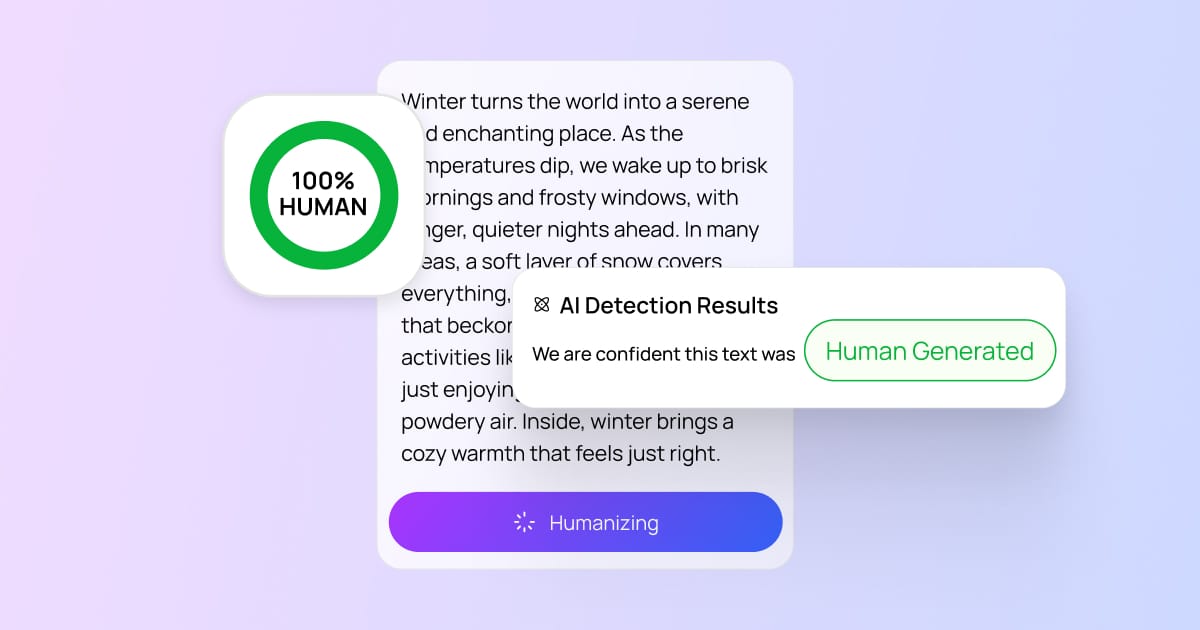
When it comes to AI humanizing, PenHuman is a top-notch solution built for 2025 workflows. It’s more than a humanizer: PenHuman combines an AI generator, AI text humanizer, and an AI detector in one workspace. That means you can draft with AI, humanize the output, and then check it against detector patterns—without jumping between five tabs.
Key Features
Humanizes AI Text with LLM Help: PenHuman’s humanizer goes beyond synonym swapping. It adjusts pacing, tone, and sentence variety to reduce “robotic essay” signals while preserving your meaning.
Built-in AI Detector: Before submitting a draft, you can sanity-check how it might look to tools like GPTZero or the wider ecosystem of detectors used in academia and publishing.
Generator + Humanizer Workflow: Draft, humanize, and review in one place—no copy/paste between an AI writer, a paraphraser, and an external detector.
Try it: Visit PenHuman to test the AI humanizer and run an AI detection check on your draft.
2. QuillBot AI Humanizer – Paraphrasing Pro With Human Tones
QuillBot is a well-known rewriting and paraphrasing platform, and it now offers an AI humanizer-style workflow that’s popular for quick rewrites. It’s a good pick if you want fast “make this sound less AI” edits with minimal setup.
Key Features
Basic vs Advanced: Free/basic mode for shorter rewrites, plus paid modes for richer edits and longer content.
Extensions: QuillBot also offers browser tooling that can speed up rewriting inside your day-to-day workflow.
Why QuillBot: Convenience. If you’re already used to QuillBot, it’s a natural option for polishing AI drafts.
3. Grammarly’s AI Humanizer – Polishing Content with Transparency
Grammarly is famous for grammar and clarity improvements, and its approach to “humanizing” focuses on readability and tone. If you’re editing AI-assisted drafts for publishing, Grammarly fits nicely because it’s built around writing quality first.
Key Features
Clarity + flow focus: Human-sounding rewrites that aim to keep meaning intact.
Suite workflow: Helpful if you already use Grammarly for editing and polishing final drafts.
4. Walter Writes AI – Humanize & Detect At Once
Walter Writes AI is positioned as a humanizer + detector bundle. The big value here is the “rewrite then check” loop, which is useful if your priority is reducing AI signals after you polish a draft.
Key Features
One-click workflow: Humanize your text and see an AI score in one flow.
Adjustable intensity: Choose how aggressively the tool rewrites your content.
5. HIX AI Bypass – Bypass Detectors with Bold Claims
HIX Bypass markets itself around bypassing detectors by rewriting AI text with patterns less likely to trigger AI detection scoring. It’s aimed at users who care strongly about “AI detector” outcomes—so make sure the output still reads naturally and matches your actual voice.
Key Features
Detector-targeted rewrites: Rephrases parts that may look “AI-like” to common detectors.
Testing encouraged: Always review output for meaning, tone, and factual accuracy.
How To Choose the Right AI Humanizer
Different tools fit different workflows:
- All-in-one workflow: Choose PenHuman if you want writing + humanizing + AI detection in a single workspace.
- Quick rewrites: Choose QuillBot for fast polishing.
- Editing-first: Choose Grammarly if your focus is readability and clean writing.
- Rewrite + score loop: Tools like Walter and HIX emphasize detection outcomes.
Conclusion
AI is here to stay, and so is AI detection. If you want your AI-assisted writing to sound natural, pick an AI humanizer that matches your workflow—and always fact-check and edit like a human would.
Want a single workspace that drafts, humanizes, and checks AI signals? Try PenHuman.