
How to Humanize AI Technical Documentation Without Changing Commands
Humanize AI technical documentation without changing behavior
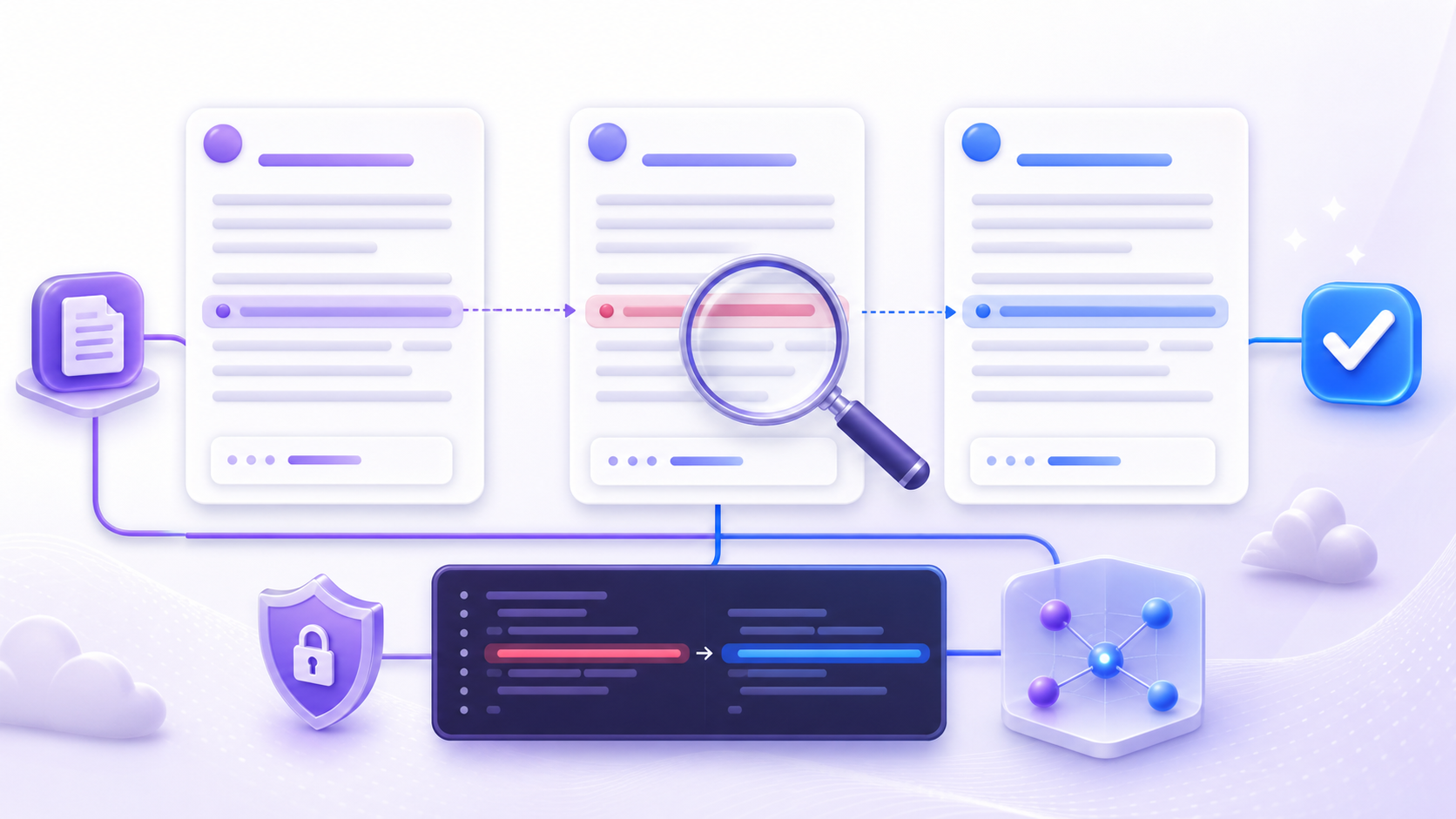
To humanize AI technical documentation safely, refine its clarity, sequence, and tone while keeping the documented system behavior fixed. A smoother explanation must not rename an API, alter a command, omit a prerequisite, soften a warning, or suggest support for an unverified environment. The aim is documentation that feels written for a real developer without turning a faithful technical record into plausible but inaccurate prose.
Technical meaning typically lives in small details. A deleted hyphen can change a command-line option; a different case can break an identifier; a moved condition can make an instruction apply too broadly. Even ordinary words such as “must,” “may,” “before,” and “after” carry operational logic. Treat those details as part of the product contract for the document, not as decoration that a rewrite may freely adjust.
Human writing is useful when it helps a reader see who should act, what should happen next, and how to confirm the result. It does not permit inventing certainty, hiding limitations, or adding undocumented capabilities. In this workflow, every rewrite remains a candidate until a reviewer compares it with the current code, interface, tested procedure, and approved source material.
Build a source packet before rewriting
Begin with the exact version of the material you are editing: the current repository state, generated API reference, release notes, interface labels, configuration schema, and any tested runbook. When those facts affect the procedure, record the product version, operating system, language runtime, or deployment context. A draft that combines several releases can sound coherent while describing a combination that never actually existed.
Build a compact technical ledger for each section. Record the task outcome, prerequisites, commands, parameters, expected output, failure states, and source owner. Label hypothetical examples as examples. If a behavior has not been verified, state that uncertainty or remove the claim rather than fill the gap with a likely answer. This ledger gives the technical writing review a stable reference when a polished candidate feels correct yet changes one operational detail.
NIST AI 600-1 describes confabulation as confidently presented Generative AI content that is erroneous or false, including output that diverges from its input. NIST further notes that generated content can be factually inaccurate or internally inconsistent. This profile offers cross-sector guidance; it is not a documentation law or a test result for a particular tool. The useful lesson here is narrower: fluent language still requires evidence before publication.
- Pin the product, API, runtime, and document versions in scope
- Collect tested commands, schemas, interface labels, and expected output
- Separate verified behavior from examples and unresolved questions
- Name the owner who can approve each technical claim
Lock commands, identifiers, parameters, and results
Extract every token that must remain exact before you edit AI-generated documentation. These tokens can include command names, options, file paths, environment variables, API methods, field names, status codes, version numbers, units, and quoted interface text. Consider this fictional example: `npm run build -- --mode=production`, `createWidget()`, `timeout_ms`, HTTP `409 Conflict`, and the Boolean value `false` represent different kinds of protected content, yet none may be casually paraphrased.
Protect relationships along with the tokens themselves. A default value belongs to a specific parameter, an error to a particular condition, and an instruction to a particular environment. Even a rewrite that keeps every visible identifier can still fail if it places the prerequisite after the action or presents an optional flag as required. Examine the sentence-level logic linking each technical element to its scope.
Google’s guidance on code in text notes that code formatting can signal verbatim input and mark the boundaries of a technical entity. Formatting is therefore part of comprehension, not simply visual polish. Unless a technical owner verifies the edit, keep code spans, sample blocks, placeholders, capitalization, and punctuation unchanged. Teams that preserve code examples should also rerun them when the surrounding procedure or supported version changes.
- Freeze commands, flags, paths, identifiers, values, and version strings
- Keep defaults, errors, and conditions attached to the correct element
- Preserve code formatting and clearly marked placeholders
- Rerun examples when behavior or supported environments change

Make the prose natural and task focused
The Google developer documentation style guide recommends a conversational but not frivolous tone, along with active voice, second person, conditions before instructions, and code formatting for code-related text. Together, these choices can make AI technical documentation easier to follow without changing its substance. Address the developer directly when the developer acts, name the system when the system acts, and skip friendliness that delays the task or obscures responsibility.
Start with a short heading that describes the outcome, then provide the context the reader needs before the first action. The Microsoft Style Guide recommends numbered lists for multi-step procedures, a separate step for each instruction, and imperative verbs for most steps. Use that structure only after confirming the original sequence. Reordering two steps for readability is unsafe if the first step creates state that the second one needs.
Writing natural prose does not mean adding conversational filler. Cut repetitive setup, vague transitions, and unexplained jargon, while retaining warnings, constraints, and reasons that help the reader avoid an error. When the order is verified, prefer “Run the test before you deploy”. Do not trade it for a warmer sentence that makes the test sound optional. A clear technical voice is direct, respectful, and precise about consequences.
- Name the reader, task, and supported context early
- Use active voice when it clarifies who performs an action
- Put verified conditions before the instructions they control
- Keep warnings close to the step where the risk occurs
Humanize one complete paragraph at a time
When you humanize AI technical documentation, submit one complete prose paragraph with each rewriting request. Keep code blocks, commands, tables, headings, bullets, link targets, and interface labels outside the request. A complete paragraph gives the candidate enough context to retain qualifications and cause-and-effect relationships, while its narrow scope keeps comparison practical. Never use an entire guide or a fragment detached from its condition as one review unit.
For every paragraph, store the original, the generated candidates, the request identifier, and the approved rewrite. Consider all candidates untrusted. Reject any output that adds a capability, removes a limitation, changes an actor, alters timing, replaces a protected term, or introduces a claim that the source packet does not support. If the best candidate needs repair, make the smallest editorial change, then repeat the full factual comparison.
This bounded approach resembles the source-first discipline used to humanize AI product descriptions without losing SEO keywords, but technical documentation introduces executable and interface-level constraints. A keyword can remain intact even while a command breaks. The same problem affects a readable paragraph when its error condition has moved. Work at paragraph scale, then reassemble the guide and test its cross-paragraph sequence.
- Submit one complete prose paragraph per request
- Keep code, headings, bullets, links, and interface text immutable
- Retain request-level provenance for every accepted rewrite
- Recheck the assembled procedure after paragraph approval
Compare each candidate against technical evidence
Start the technical writing review with equivalence, not style. Compare names, numbers, versions, code tokens, prerequisites, actions, expected results, error states, and modal strength. Next, ask whether the same developer would follow the same steps and anticipate the same outcome after reading the candidate. A polished rewrite still fails if it alters what gets executed, when it runs, where it applies, or what success looks like.
Then assess language quality. Reject material that is unrelated, placeholders, grammar problems, typos, awkward keyword insertions, fake quotations, and unsupported explanations. An unchanged response does not count as successful humanization. A rejected source paragraph must not be quietly restored and marked complete. To edit AI-generated documentation responsibly, record whether the accepted wording came from a safe candidate or an editorial repair connected to a real candidate request.
PenHuman’s responsible SEO humanization workflow and the AI versus human writing guide address related editorial concerns, but neither serves as a substitute for technical validation. Search relevance, natural rhythm, or a detector score cannot establish that a code sample works. As the truth surface, the reviewer should rely on the repository, generated reference, schema, or reproducible test, while documenting any technical correction separately from the language rewrite.
- Compare every protected token and technical relationship
- Check prerequisite order, scope, modality, and expected results
- Reject new explanations that lack an approved source
- Record candidate provenance and every editorial repair
Preserve accessibility and document structure
Humanization should not turn a well-structured guide into undifferentiated, flowing prose. W3C WAI guidance explains that meaningful headings help readers navigate and understand content, meaningful link text identifies the destination, and text alternatives communicate the purpose of images. The page offers practical accessibility guidance and links to related WCAG material; it should not be portrayed as proof that one checklist by itself establishes conformance.
Leave semantic headings, ordered steps, unordered lists, tables, code blocks, notes, and warnings in the roles their content requires. Do not bury a required action in a caption or turn a sequence into bullets that no longer communicate order. When you preserve code examples, also retain the surrounding explanation of what the example does, what readers may change, and which output verifies that it worked.
Alt text and captions should explain the information a visual contributes, rather than repeat decorative details. Link text should identify what opens for the reader, not rely on “click here.” When the source supports them, these improvements can belong in an editorial pass, but they do not justify changing a target URL, renaming an interface control, or claiming that an untested path is accessible.
- Retain semantic heading levels and meaningful document landmarks
- Keep ordered procedures distinct from unordered reference lists
- Use descriptive links without changing their approved targets
- Describe informative images without inventing product behavior
Run the final build, link, and behavior checks
Read the completed guide in the sequence a developer will use it. Confirm that prerequisites come before dependent actions, every code reference matches its formatted example, and each expected result follows the correct step. Check links, anchors, headings, and image alternatives. Two paragraphs that are individually faithful can still conflict if they describe different versions, defaults, or environments, so the assembled document needs a separate reconciliation.
Run every safe example in the stated environment, or follow the project’s approved validation process. Record the version and outcome instead of describing a procedure as “tested” without evidence. Exercise ordinary success, a documented failure path, and any branch the guide asks readers to choose. When execution is unavailable, label the limitation and route the guide to the technical owner; do not turn an assumption into a result.
The dependable way to humanize AI technical documentation is to lock behavior first, refine prose in bounded units, preserve structure, and check the finished task against technical evidence. In this workflow, PenHuman provides candidate language while people remain responsible for source selection, code accuracy, accessibility review, and publication approval. Human-sounding documentation builds trust by helping readers act correctly, not by projecting confidence when the evidence is incomplete.
- Reconcile the assembled guide across versions and environments
- Validate commands, links, examples, and expected results
- Record evidence and unresolved limitations before approval
- Publish only the version that passes language and technical review
Frequently Asked Questions
What does it mean to humanize AI technical documentation?
It means strengthening clarity, organization, and tone while retaining technical meaning. Commands, identifiers, parameters, versions, prerequisites, warnings, code examples, and expected results remain fixed unless an approved technical source supports a change. The rewrite should enable the same reader to finish the same task with the same documented outcome. It should not add capabilities, conceal limitations, or convert an assumption into a verified fact.
Can I humanize a whole technical guide in one request?
This workflow handles one complete prose paragraph in each request. Large submissions make it more difficult to trace where a command, condition, or claim changed, while fragments can lose the context that gives an instruction meaning. Leave code blocks, tables, bullets, headings, links, and interface labels outside the rewrite. Compare each paragraph with its source, then validate the assembled guide for sequence and contradictions.
How do I preserve code examples during humanization?
Consider every code block, inline token, command, option, path, placeholder, and output value immutable until a technical owner approves a change. Retain formatting that identifies verbatim input, and compare the surrounding explanation with the example’s actual behavior. To preserve code examples completely, rerun them in the stated environment when practical, then record the version, expected result, and any limitation.
Does natural-sounding documentation prove that it is accurate?
No. Readability, keyword coverage, or a detector result does not prove technical accuracy. NIST AI 600-1 explains that Generative AI output can sound confident while remaining erroneous or inconsistent. Reviewers still need current code, generated reference material, schemas, release information, or reproducible tests. A candidate should reach publication only after its claims, commands, sequence, and results match that evidence.
Sources
- NIST AI 600-1: Artificial Intelligence Risk Management Framework: Generative Artificial Intelligence Profile
- Google developer documentation style guide: Highlights
- Google developer documentation style guide: Code in text
- Microsoft Style Guide: Writing step-by-step instructions
- W3C WAI: Writing for Web Accessibility