
Meaning-preserving rewriting
Rewrite AI-generated text while keeping your original ideas, facts, and message intact.
Turn AI-generated text from ChatGPT, Claude, Gemini, and other tools into natural, human-like writing. PenHuman improves tone, readability, sentence flow, and clarity while keeping your original meaning intact.
Free plan available. No complex setup required.
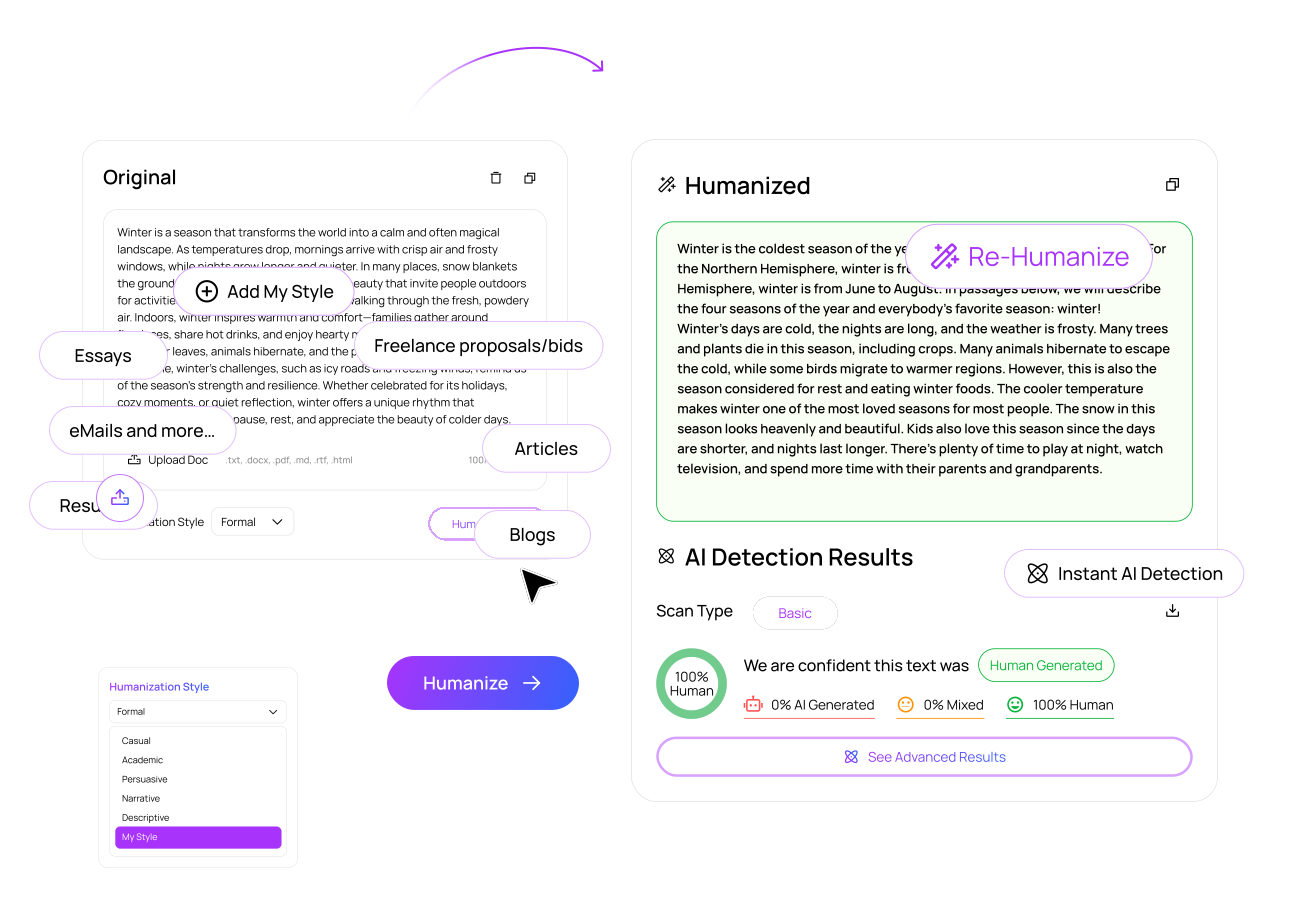
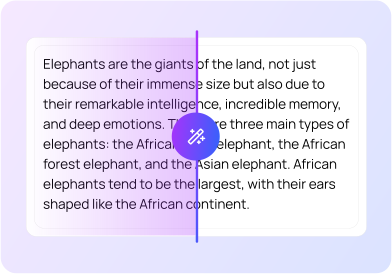
An AI Humanizer rewrites AI-generated text so it sounds more natural, clear, and human. Instead of changing the meaning, PenHuman improves sentence rhythm, word choice, tone, and readability.
It is useful for refining drafts created with ChatGPT, Claude, Gemini, and other AI writing tools when the text feels too robotic, repetitive, formal, or flat.
This page is focused on PenHuman's AI Humanizer: rewriting drafts so they read naturally while preserving meaning, tone, and intent.
Rewrite AI-generated text while keeping your original ideas, facts, and message intact.
Improve rhythm, sentence variety, transitions, and readability so the draft feels less robotic.
Adjust writing for academic, professional, casual, persuasive, concise, or polished use cases.
Run the same draft again when you want a simpler, more formal, or more natural version.
Check humanized text with PenHuman's AI Detector to better understand possible AI-writing signals.
Use PenHuman to improve clarity and readability, then review final work for accuracy and policy fit.
PenHuman makes it simple to turn AI-generated drafts into natural writing. Follow these steps to humanize text from ChatGPT, Claude, Gemini, or any other AI writing tool.
Add your draft into the AI Humanizer. You can use text from ChatGPT, Claude, Gemini, Jasper, Copy.ai, or other AI tools.
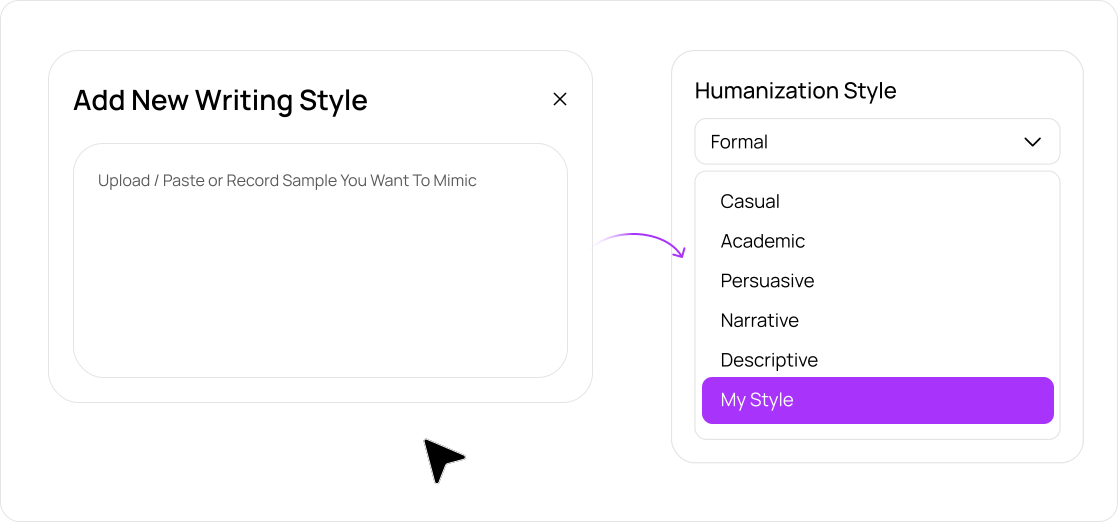
Select the writing style that fits your goal, such as academic, professional, casual, persuasive, or concise.
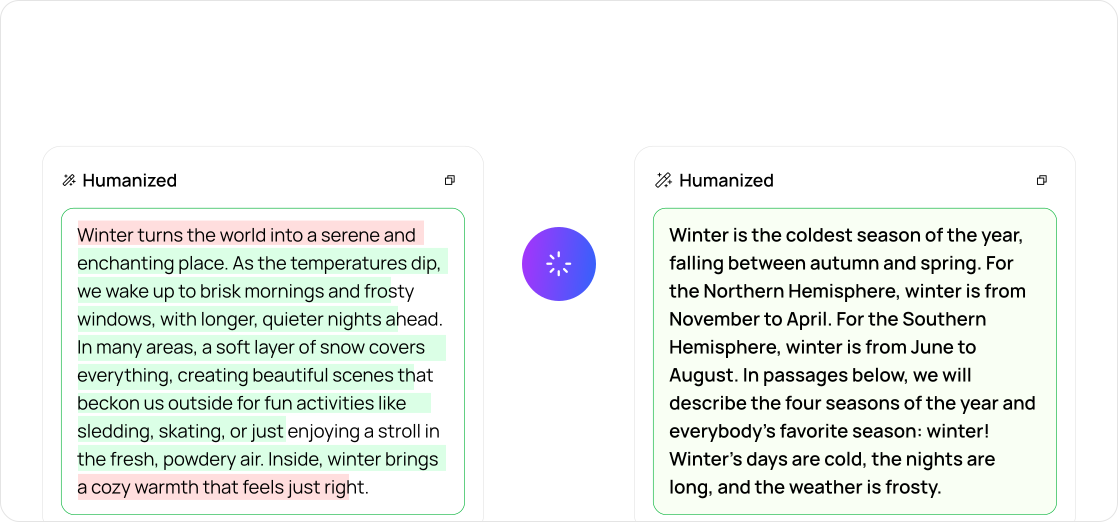
PenHuman rewrites the text to improve flow, clarity, and natural sentence structure.
Compare the result, make edits, or run the text again for a more polished version.
Use PenHuman's AI Detector to review the final version and better understand its originality signals.
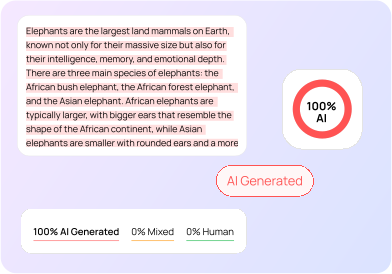
PenHuman works with drafts created by popular AI writing tools. Paste your AI-generated content, choose your preferred tone, and rewrite it into natural, human-like writing.
A basic paraphraser often swaps words without improving the full reading experience. PenHuman's AI Humanizer focuses on rewriting the structure, rhythm, tone, and clarity of AI-generated text.
| Feature | Basic Paraphraser | PenHuman AI Humanizer |
|---|---|---|
| Meaning preservation | May change context | Keeps the original message clear |
| Sentence flow | Often rewrites sentence by sentence | Improves rhythm and transitions |
| Tone control | Limited style control | Supports multiple writing tones |
| AI detection review | Usually separate tool required | Built-in AI Detector workflow |
| Re-humanizing | Limited refinement | Quickly rewrite again for better results |
| All-in-one workspace | Single-purpose tool | Generate, humanize, detect, and polish |
PenHuman helps users improve AI-generated drafts, but great writing still needs human review. Use PenHuman to improve clarity, tone, readability, and originality signals, then review your final content for accuracy, citations, and compliance with school, workplace, or publishing rules.
Paste your AI-generated draft, choose a tone, humanize it, and review the result for clarity, readability, and originality signals.