Sentence Case vs Title Case: A Practical Heading Review
Sentence case vs title case: choose before converting
When comparing sentence case vs title case, focus on which ordinary words begin with capital letters. Sentence case usually capitalizes the opening word while retaining names and other terms with fixed capitalization. Title case capitalizes more words according to a chosen editorial rule. Neither choice gives permission to alter a product name or acronym. Choose the document’s convention before changing a batch of headings, then check the converted text against that choice instead of treating the button label as a complete style specification.
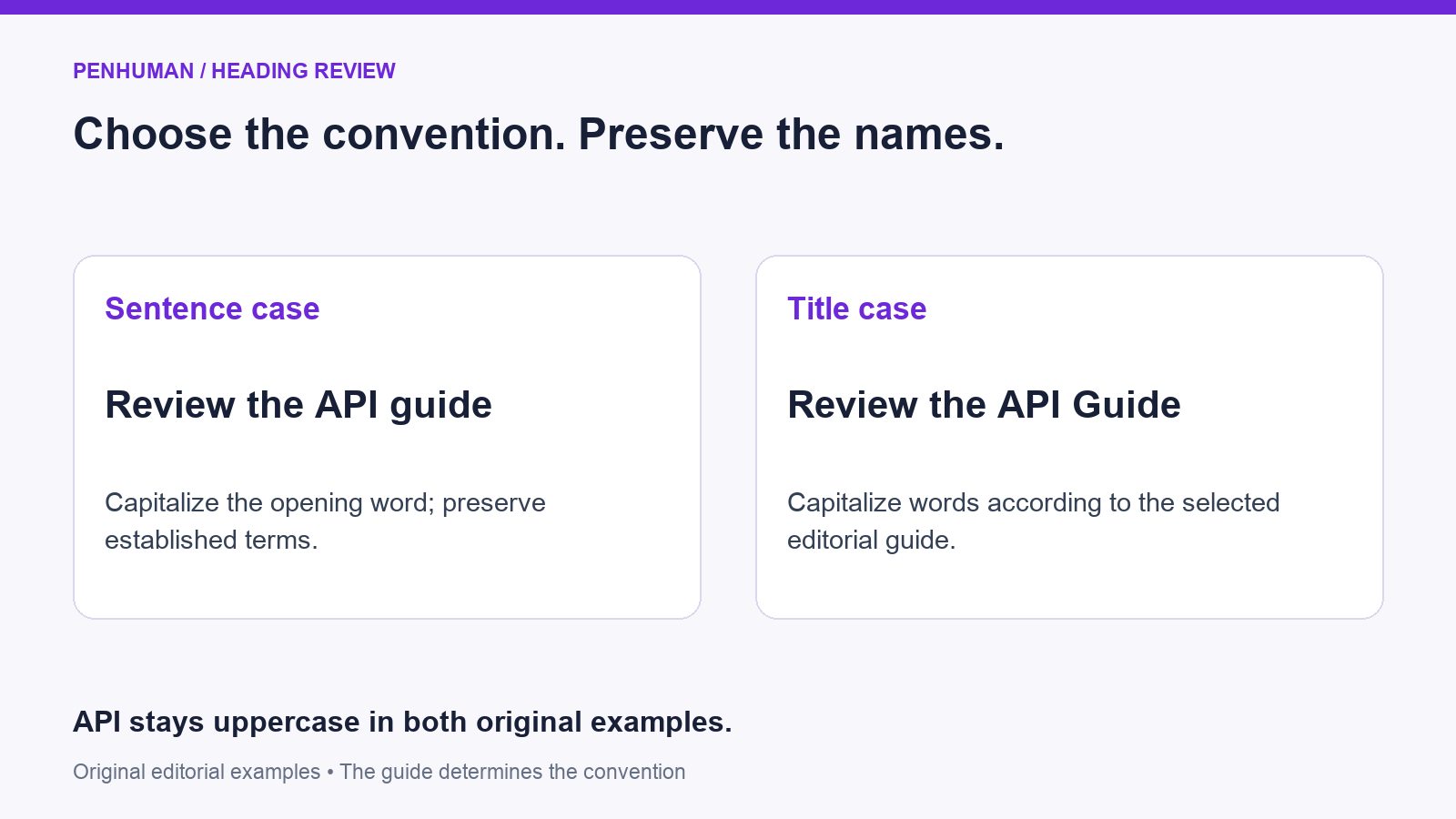
For example, an original heading written as "Review the API guide" uses sentence case. A title-case version is "Review the API Guide". The acronym stays uppercase in both versions; only the ordinary noun at the end changes. Use the PenHuman Case Converter for the mechanical conversion, then review the result before copying it back. The public tool works without signup. Keep the original heading next to the converted version so that deliberate product spelling and uppercase terms remain easy to restore during review.
Name the style guide and record its exceptions
Google’s developer documentation style guide calls for sentence case in document titles and headings, preserving proper nouns and terms with established capitalization. Its heading rule also capitalizes the opening word of a subheading after a colon. That provides a named convention for a documentation project, rather than a universal instruction for every publication. If a client or journal supplies a different guide, use the supplied convention. Record the choice in the brief so contributors follow the same rule when adding or revising headings.
Microsoft’s style guide also generally uses sentence-style capitalization, while providing separate rules for occasions that need title style. In its title-style guidance, short prepositions within a title stay lowercase, and the opening and closing words are capitalized. Check a converter’s output against your selected guide, because its general rules might differ. Record the decisions that affect your document, including acronyms, product names, words following a colon and compounds with a hyphen. Resolve those decisions consistently across headings.
Know what the converter changes
In the current tool, FIRST lowercases the text, then capitalizes letters at the beginning and after recognized sentence breaks or newlines. It is a mechanical starting point for sentence-style editing; it does not recognize product names or maintain an acronym list. Entering "GET STARTED WITH PenHuman" produces "Get started with penhuman". The reviewed heading is "Get started with PenHuman". After conversion, restore the product spelling and check the other names in your draft rather than assuming they survived unchanged.
TITLE CASE also lowercases the input before applying its capitalization rules. It keeps a fixed list of small words lowercase within the overall input and treats the opening and closing words specially. CAPITALIZED works differently: it uppercases word beginnings without lowercasing the rest first. Those actions are not interchangeable. For the input "Review API docs", TITLE CASE gives "Review Api Docs", while CAPITALIZED gives "Review API Docs". Pick the action that fits the edit, then check the names and wording before copying the result.
- UPPER and LOWER change the text to uppercase or lowercase.
- FIRST is a starting point for sentence-style editing; restore names and acronyms.
- TITLE CASE applies the tool’s general rules, followed by your style-guide review.
- CAPITALIZED changes word beginnings and retains other existing capitals.
Review an acronym and a short preposition
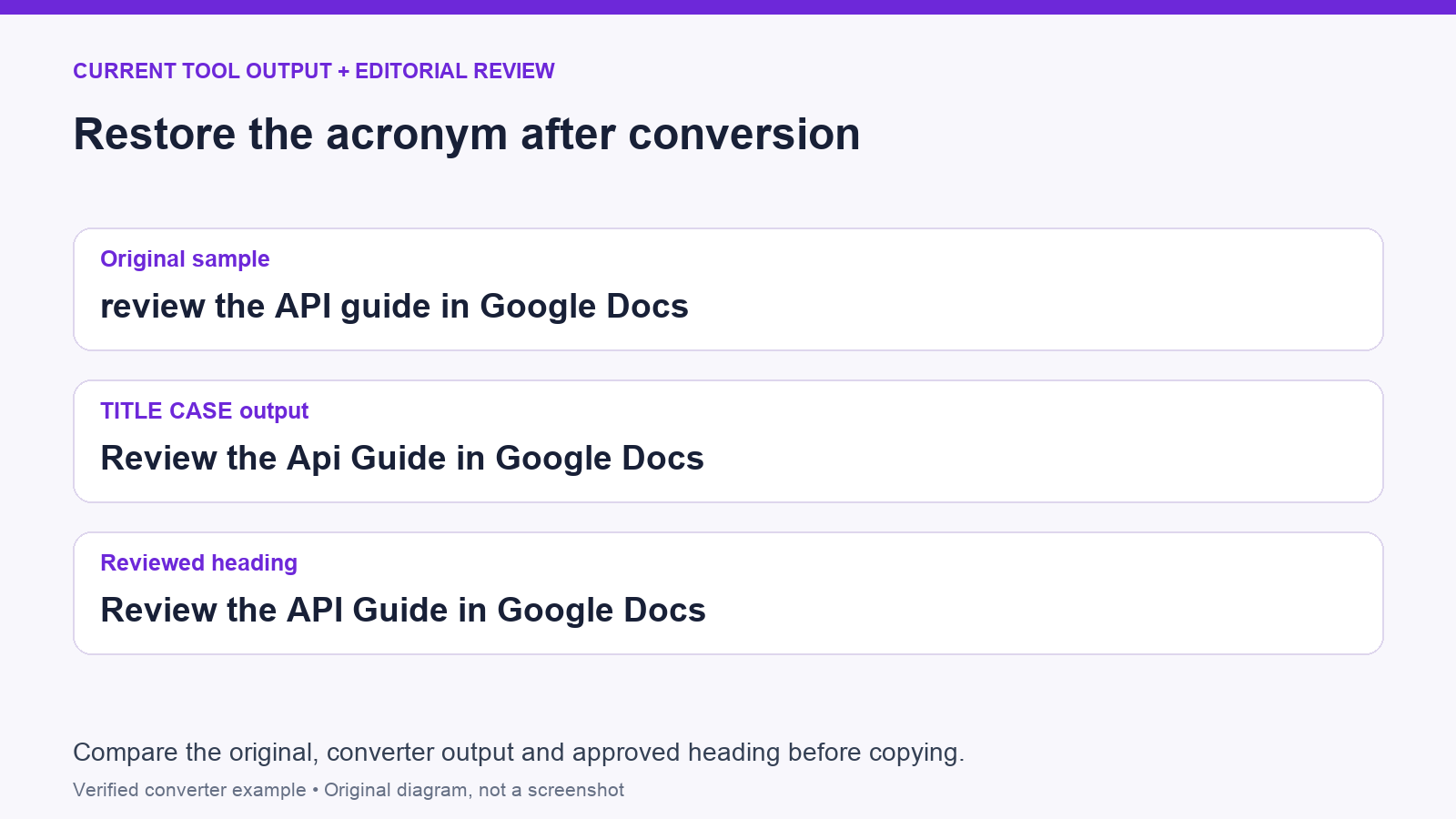
Start with the original sample "review the API guide in Google Docs". TITLE CASE produces "Review the Api Guide in Google Docs" in the current converter. For a title-case heading that preserves the established acronym, edit that output to "Review the API Guide in Google Docs". The word order and subject stay the same. For a useful heading review, compare the original, the automated output and the version you intend to publish. Fix the acronym before copying the text into a document or webpage.
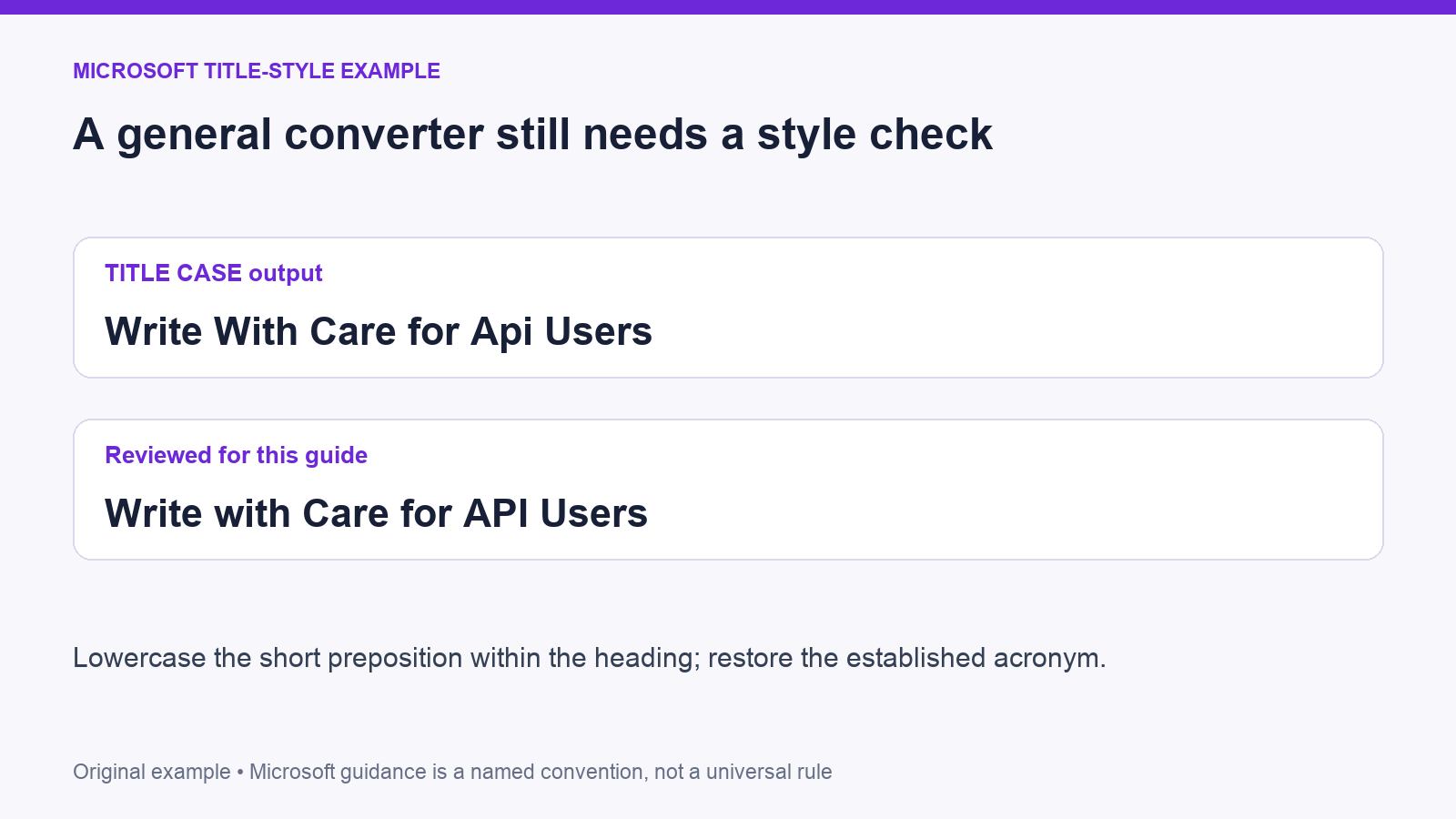
Now enter "write with care for API users". The current TITLE CASE output is "Write With Care for Api Users". If the brief selects Microsoft title-style rules, the reviewed version is "Write with Care for API Users": restore the acronym and lowercase the short preposition within the heading. The example illustrates why a general converter is not proof of compliance with a named style guide. Settle the editorial choice with the guide, then apply it consistently across the other headings in the same document.
Check heading boundaries, colons and compounds
Convert headings separately when your chosen convention depends on the opening or closing word of each heading. The current TITLE CASE action identifies those positions across the whole input, rather than restarting the rule at every new line. A heading beginning with a small word on a later line therefore needs a manual check. Keep a separate list of the original headings and compare them in order once conversion is complete. This catches a missing opening capital without accidentally changing another heading that was already correct.
Treat text after a colon and words joined by hyphens as separate editorial decisions. For example, FIRST converts "Review the API guide: next steps" to "Review the api guide: next steps". Under Google’s heading convention, a reviewed version is "Review the API guide: Next steps". Restore the acronym and capitalize the subheading’s opening word. For a compound containing an acronym, such as "API-first", preserve the acronym’s established spelling while checking the rest against your guide. Check those cases directly instead of assuming the conversion label settles them.
Improve the heading’s meaning as well as its capitals
Capitalization does not tell the reader what a section contains by itself. Compare an original label such as "More Information" with a specific task heading such as "Review the launch checklist". The second tells the reader what to expect, but it fits only if that is the actual task covered by the section. Read the text beneath the heading before rewriting it. Keep its scope accurate, remove vague filler and preserve necessary distinctions between instructions, reference material and background explanation. Apply the chosen capitalization after settling that wording.
Separate capitalization work from changes to technical identifiers, links or quoted titles. A heading might contain an acronym or product name that needs restoration, while a command or address elsewhere in the draft needs exact preservation. Copy only the selected heading into the converter instead of processing a whole mixed document. If a shorter heading is also needed, use the word-count and character-count guide to choose the appropriate measurement. Review any shortened version for lost conditions or changed meaning before it replaces the original.
Finish with a repeatable heading review
Before publication, read the headings together as an outline. Check that comparable sections use a consistent style, each heading describes its own content, and names have their established spelling. Next, inspect the headings in the final document, where line wrapping and visual hierarchy affect how they appear. A capitalization pass does not replace applying the correct heading level in the editor. Keep the wording and the document structure aligned so a heading remains useful both as visible text and as part of the document’s navigation.
Keep the approved headings with the style note, giving later contributors concrete examples to follow. When a new term appears, record its established spelling once and apply it throughout the draft. For a quick final check, compare the original and revised headings, read them aloud and verify any changed proper nouns against their official names. Apply repeatable case changes with the converter, then make the editorial decisions explicitly. That leaves a clear record of the choices behind the finished text when the document is revised again.
- Confirm the guide or house convention before converting.
- Keep an original copy; process each heading separately where boundaries matter.
- Restore acronyms and product names, including intentional internal capitals.
- Check small words, colons and hyphenated compounds against the chosen guide.
- Verify the heading’s meaning, document level and final appearance.
Frequently Asked Questions
Which should I use: sentence case or title case?
Follow the convention specified by the publication, client or house guide. If there is no existing rule, choose a documented convention and apply it consistently to comparable headings. The decision includes names and exceptions, not just the opening letter of each word. Include examples in the editorial brief so later revisions follow the same approach. A heading’s usefulness also depends on its wording and the section beneath it, so review those together instead of treating capitalization as the only quality check before publishing.
Why did the converter change an acronym or product name?
The current FIRST and TITLE CASE actions lowercase the input before applying their capitalization rules. That initial step changes uppercase acronyms and intentional internal capitals in product names. The converter does not consult a glossary of your approved terms. Compare the result with the original, restore each name’s established spelling and check the final heading again before copying it. For a recurring document, maintain a short terminology list so the same names receive the same treatment whenever another contributor edits a heading.
Does TITLE CASE automatically follow Microsoft or another named guide?
No, TITLE CASE applies the converter’s general rules — including a set small-word list — but does not select a named editorial guide. Compare the output with the convention in your brief — paying attention to small words, acronyms, compounds and heading boundaries. If a publication requires a particular rule, make that adjustment during review, and save a good sample. A consistent documented choice gives the next editor a useful reference when weighing up whether a capital letter is a considered decision, or needs correcting.