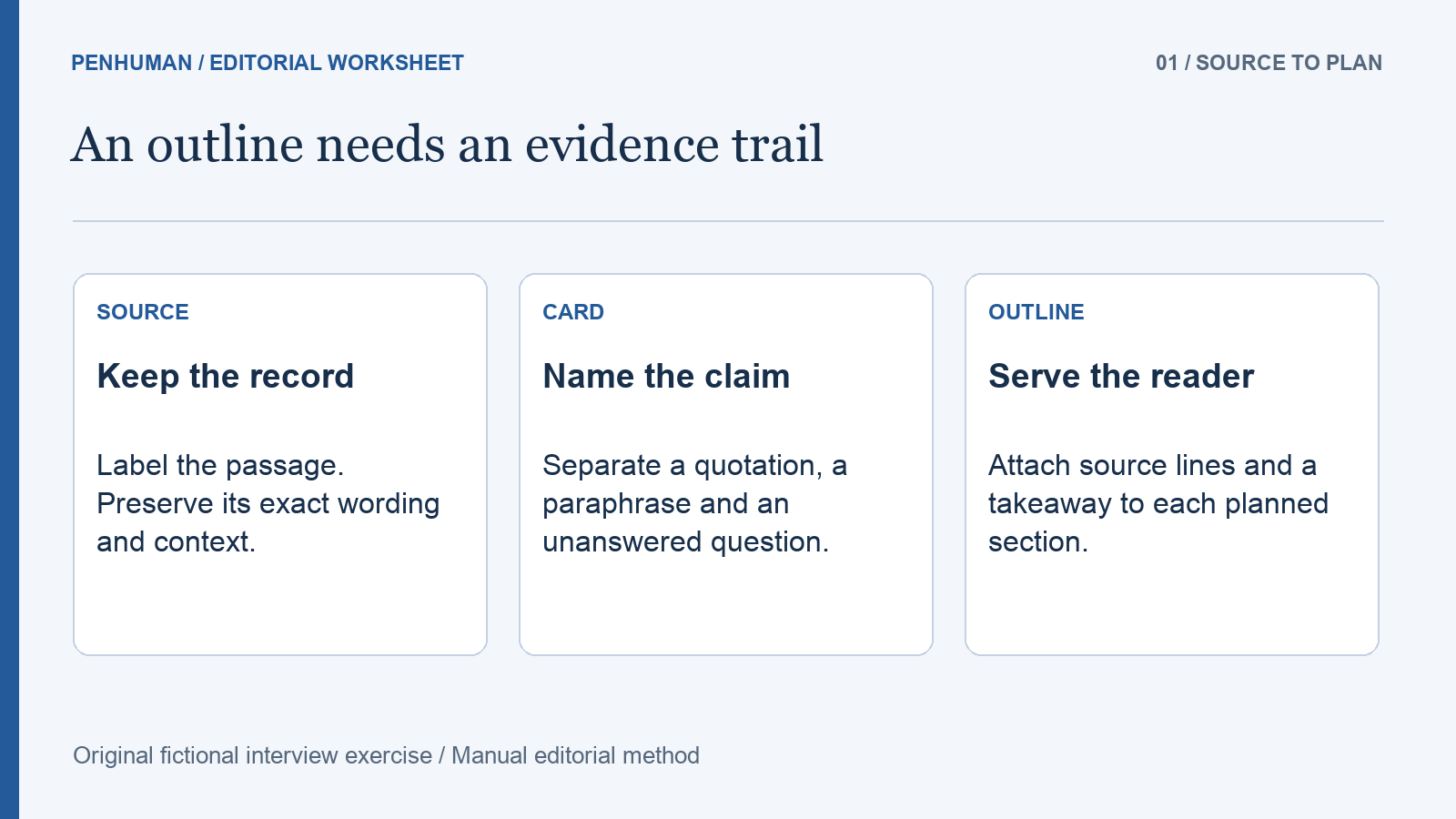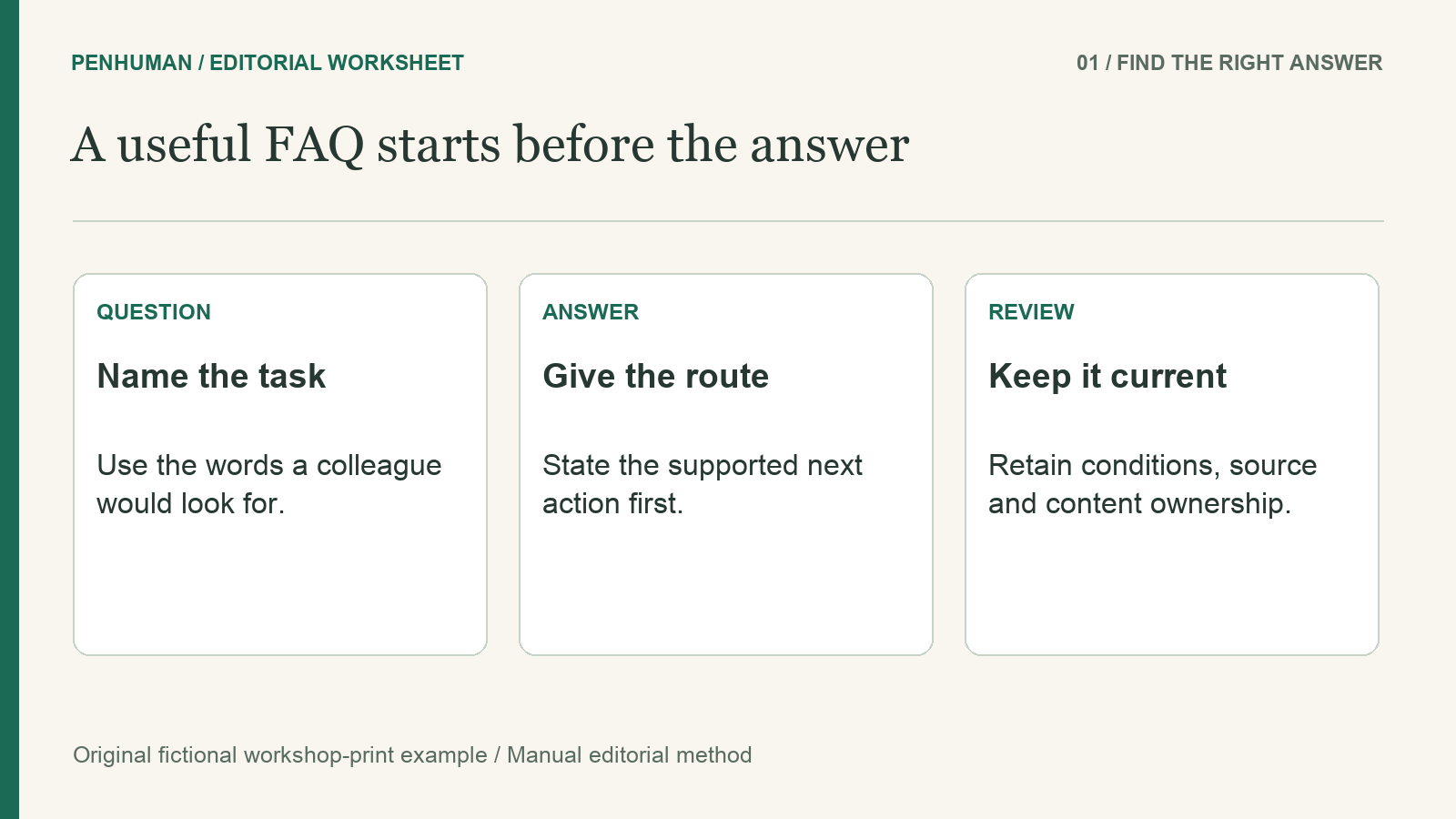
Make an Internal FAQ Easier to Find and Act On
Start an internal FAQ with a task, not a leftover list
An internal FAQ is useful when a colleague arrives with a recognizable question and needs a short answer or next action. It becomes harder to use when every unresolved issue is added to a page called General information. Start by naming the audience and the task they are trying to complete. This guide uses an invented studio team arranging printing for staff-run workshops. The task is to find where to submit a print request, what to include and who handles an unusual material. It is not a customer-support script, a measured search experiment or a claim about a real organization.
Decide on the format before polishing sentences. If readers must complete a sequence from beginning to end, a short procedure may serve them better than scattered questions. If they need to compare material options, a clearly labeled list may be easier to scan. Keep an internal FAQ for the questions that remain useful as separate entry points, and connect those answers to the main procedure where needed. In this exercise, the questions help staff find a request route and an exception owner. They do not replace the print process or invent its missing service commitments.
Write down the fictional process before editing answers
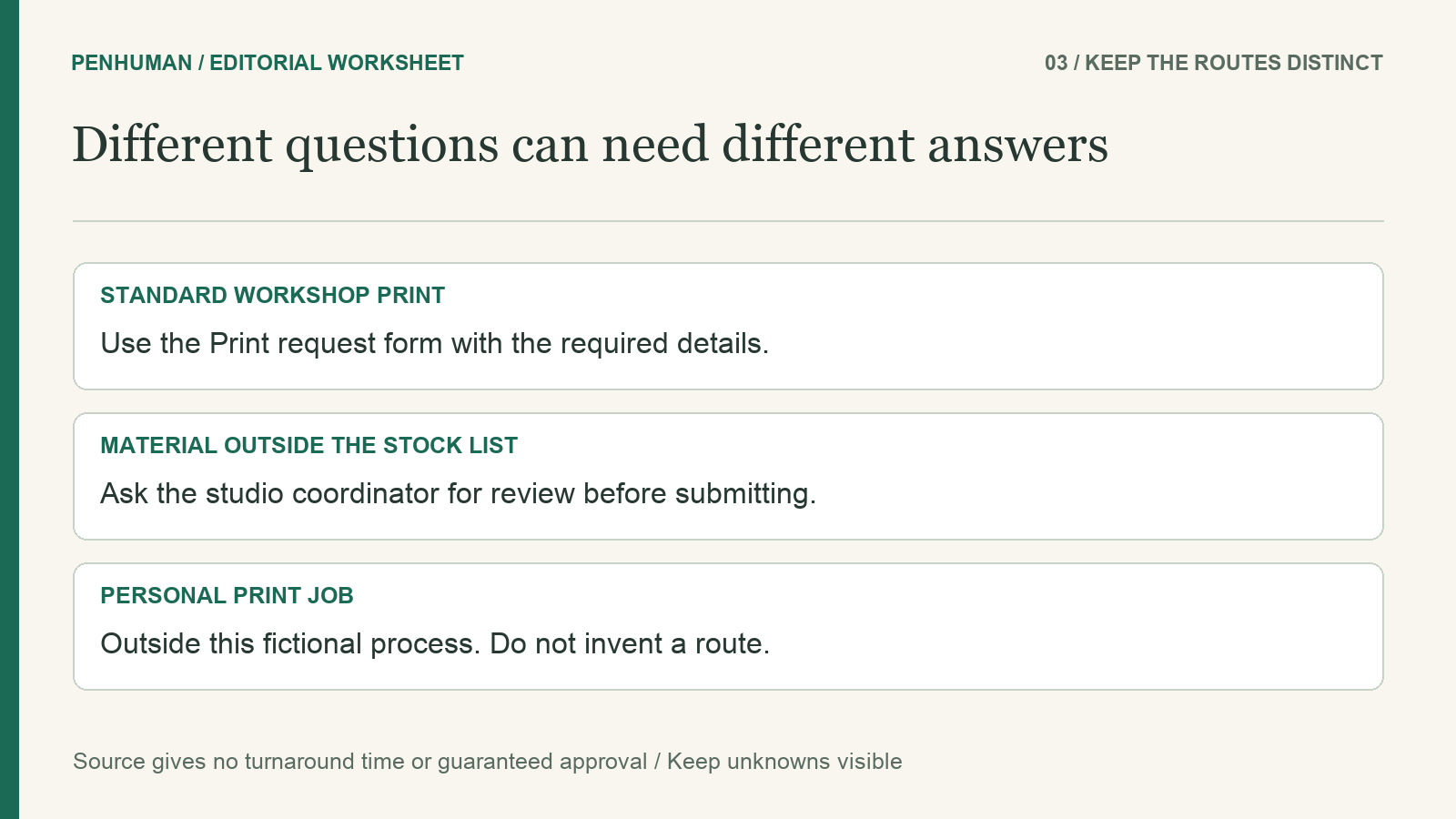
The source brief for this exercise is intentionally small. Staff submit requests for workshop printing through the Print request form. Each request includes the file, workshop name, copy count and a paper choice from the stock list. Materials outside that list need review by the studio coordinator before a form is submitted. The current coordinator is Mei. Personal print jobs are outside this process. The brief gives no completion time, urgent-service option or automatic approval rule. These are invented teaching facts, not PenHuman product features, an employee handbook or a customer policy.
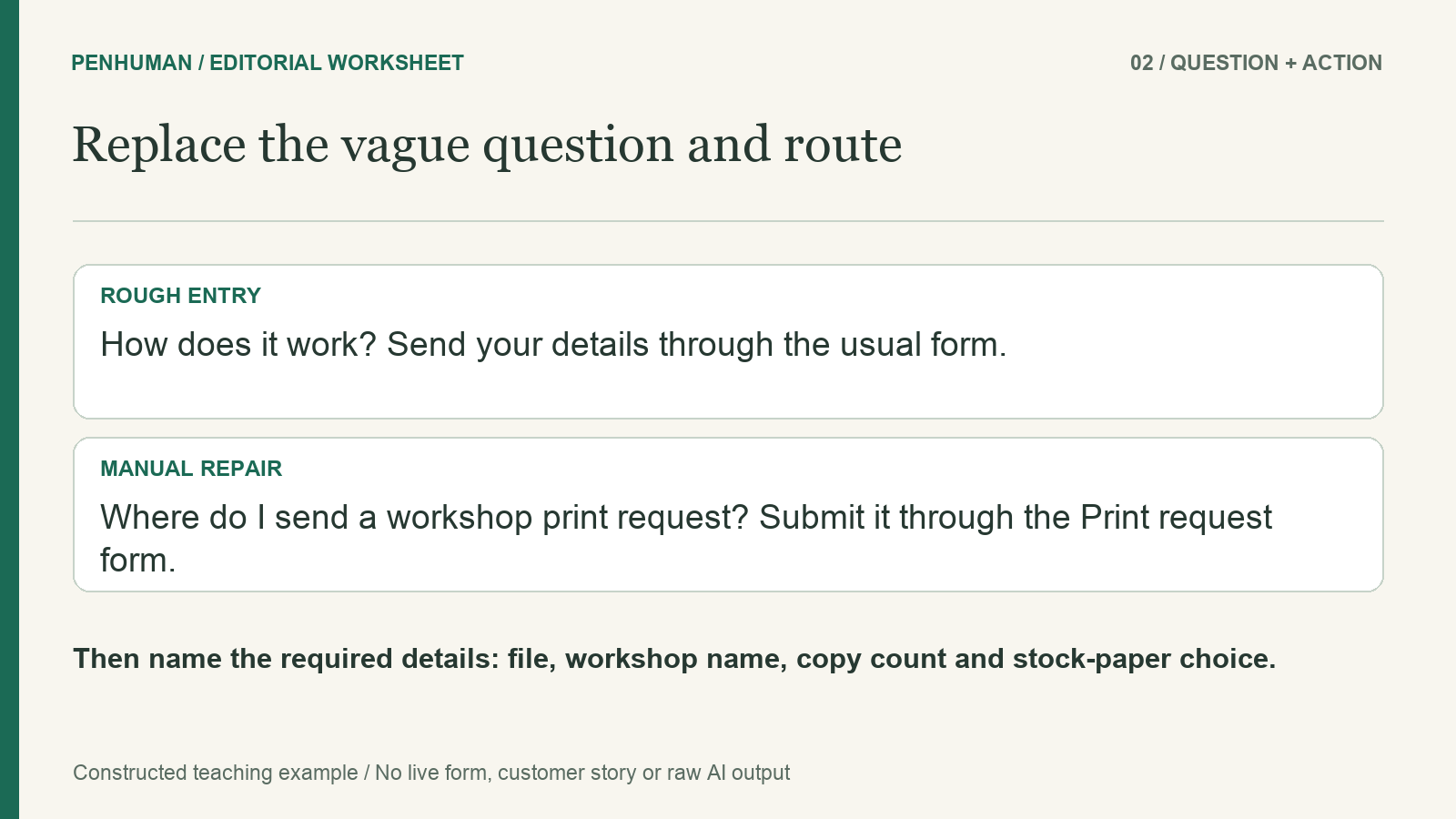
Retain that brief alongside the working questions. A rough entry might say: "How does it work? Send your details through the usual form and contact us if you need something special." The sentence sounds friendly, but the question does not name printing and the answer hides the form, required details and exception owner. Start editing with those gaps. Do not solve them by promising a turnaround time or naming a channel that the brief never supplied. Record unresolved information for the process owner rather than converting a plausible assumption into an instruction.
Put the reader’s search words into the question
Replace the vague heading with a question that names its subject: "Where do I send a workshop print request?" This gives the reader a recognizable phrase before they open the answer. Microsoft’s heading guidance recommends specific headings that focus on what readers need to achieve and use words they would use themselves. Apply that guidance to the terms your team actually understands. In this invented case, workshop print request names the task, while general services does not. This is a manual labeling choice; it is not evidence that a search system will rank the answer differently.
Read through the question list without looking at the answers. A colleague should be able to distinguish the request route from a materials exception or the scope of eligible work. Avoid giving several entries nearly identical labels such as Printing details and More printing details. A short question about the exact task is often more useful than a broad heading followed by a long explanation. The glossary guide provides a separate method for keeping agreed names consistent. Use the same form label in the question, answer and link rather than introducing a new synonym for each occurrence.
Lead with the answer, then keep the condition nearby
Consider this manual repair of the rough entry: "Where do I send a workshop print request? Submit it through the Print request form. Include the file, workshop name, copy count and a paper choice from the stock list." The opening sentence identifies the route; the next names the information required by the source brief. A real publication would link the exact form label to the approved destination. This fictional worksheet does not provide a working form. Do not send the reader to an unrelated signup page or imply that the example is a live PenHuman workflow.
A separate exception entry can read: "What if the material is not on the stock list? Ask the studio coordinator to review it before submitting the Print request form. The current coordinator is Mei." The condition and the timing stay together, so the reader knows when the ordinary route needs review. This answer does not say that Mei will approve the material or how long a reply will take. Those details are absent. Retain that boundary when shortening the answer; a concise instruction is useful only if it still points to the action supported by the source.
Separate questions that send readers to different actions
The question "Can I submit personal work or request unusual materials?" joins situations with different answers. Personal print jobs are outside the fictional process, while unusual materials have a review route. Separate the entries so neither answer is buried inside the other. A scope question can state that the process covers staff-run workshops and excludes personal print jobs. The materials question can name the coordinator review already described. This split is an editorial choice for this source brief, not a rule that every answer must fit a fixed sentence or word count.
Keep related questions together, but don't lump them into a single block. On a web page, use headings for sections and questions, and pick the appropriate level for the structure. W3C's page-structure tutorial says headings expose the organization and help people navigate through browsers and assistive technologies. Visually bolded text doesn't count. In a document editor, apply the heading styles, then check the output format. Clear labels and helpful answers are still important; a page can have valid structure and a useless question.
Keep one answer current and make ownership visible
When the same answer appears in an onboarding page, a team note and a shared FAQ, choose where the maintained version belongs. Link to that version from the other places when a link serves the reader, instead of silently creating more copies to edit. Note a content owner and the underlying process source in your working notes. In the fictional example, the studio coordinator owns the materials decision, but the person maintaining the page still needs to confirm who checks revisions. Do not infer publishing authority from the fact that someone answers operational questions.
A review date tells readers when a check took place; it does not prove that every statement is still correct. Set that date only after the relevant owner has checked the source and the linked destinations. For this exercise, leave a review-date field pending rather than inventing a completed review. If the coordinator changes, inspect each occurrence of Mei and the associated role, then test the question again. The important change may be a name, a request route or an exception. A current-looking timestamp cannot repair an answer whose instructions no longer match the process.
Test a question from the reader’s starting point
Give a reviewer a specific task such as finding where to request a workshop print or checking whether a non-stock material has a route. Ask them to show which question they would choose and what action the answer tells them to take. Record where confusion occurs rather than calling the page easy based on a quick glance. This article reports no participant study or time saving. The Word Counter can help meet a space limit, but a shorter answer does not demonstrate successful retrieval, accurate instructions or reader comprehension.
If you use the AI Humanizer for a candidate version of your own writing, compare the revised question and answer with the source brief before accepting them. Basic supports complete drafts of 80–600 words within the available allowance, with 3,900 included Humanizer characters and no scheduled reset. The brief sample answers here are for manual editing; avoid padding them to reach a service minimum. Successful rewriting uses the applicable allowance and still needs review. This workflow does not claim that PenHuman hosts an internal FAQ, connects to company search or checks whether a process owner has approved an answer.
Frequently Asked Questions
Should every internal process be written as an FAQ?
No. Select the format that matches the reader’s task. A process that depends on completing ordered steps may be clearer as a procedure, while a set of choices may need a comparison or reference list. An FAQ can provide useful entry points when readers arrive with separate questions, but it should not become a storage area for material that lacks a better home. In the fictional print example, the request route and materials exception are distinct questions. The complete operating procedure remains a separate source.
How short should an internal FAQ answer be?
Allow enough space to state the answer, the supported next action and any condition the reader needs at that point. There is no universal word total in this guide. The materials answer needs its review-before-submission condition, even if removing it would shorten the paragraph. Background that does not affect the immediate action can go in a linked procedure when the destination is approved and useful. Check the short version against the source brief, then ask a reviewer what they would do next.
What should I do when the process source has no answer?
Keep the missing information visible in the working draft and ask the responsible owner through the established process. Do not supply an expected deadline, approval or alternative route just because a question sounds incomplete. The fictional brief provides no turnaround time, so this guide does not invent one. Depending on the reader’s need, hold the affected answer until it is checked or publish only the supported information with an appropriate unresolved-status note. Polished wording cannot replace an authorized process decision.