Write Alt Text That Fits the Image’s Job on the Page
Choose alt text after identifying the image’s job
Useful alt text begins with a page-level question: what does this image help the reader understand or do here? A list of visible objects can miss the relationship that matters, while a polished sentence can invent information the picture never supplied. This guide uses an original fictional seed-packet sorting diagram. It shows how to connect a short text alternative to the surrounding explanation, without treating a caption as an automatic substitute. The example is a manual editorial exercise, not a real seed-library procedure, an accessibility certification or untouched output from an AI tool.
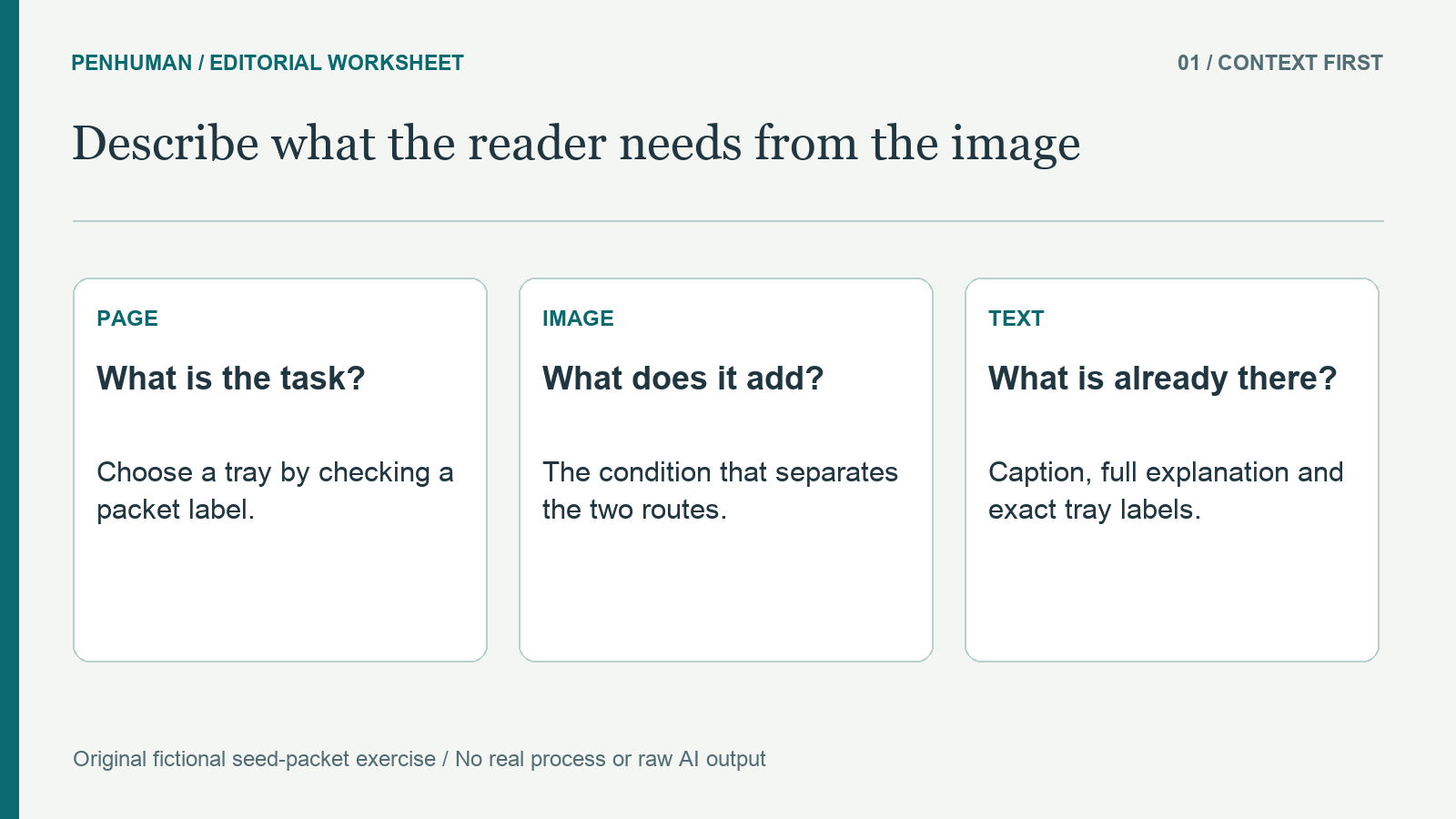
Before writing, record the page’s purpose, the image’s role and the information already available as readable text. W3C’s informative-image guidance relates the text alternative to the meaning conveyed in context. That offers an editor a better starting point than describing every color or trying to hit a fixed character count. For this exercise, the reader needs to choose between two labeled trays by checking a packet label. Decorative colors, border style and background texture are not the decision. The label requirements and the relationship between the two routes are.
Build a small source record for the original diagram
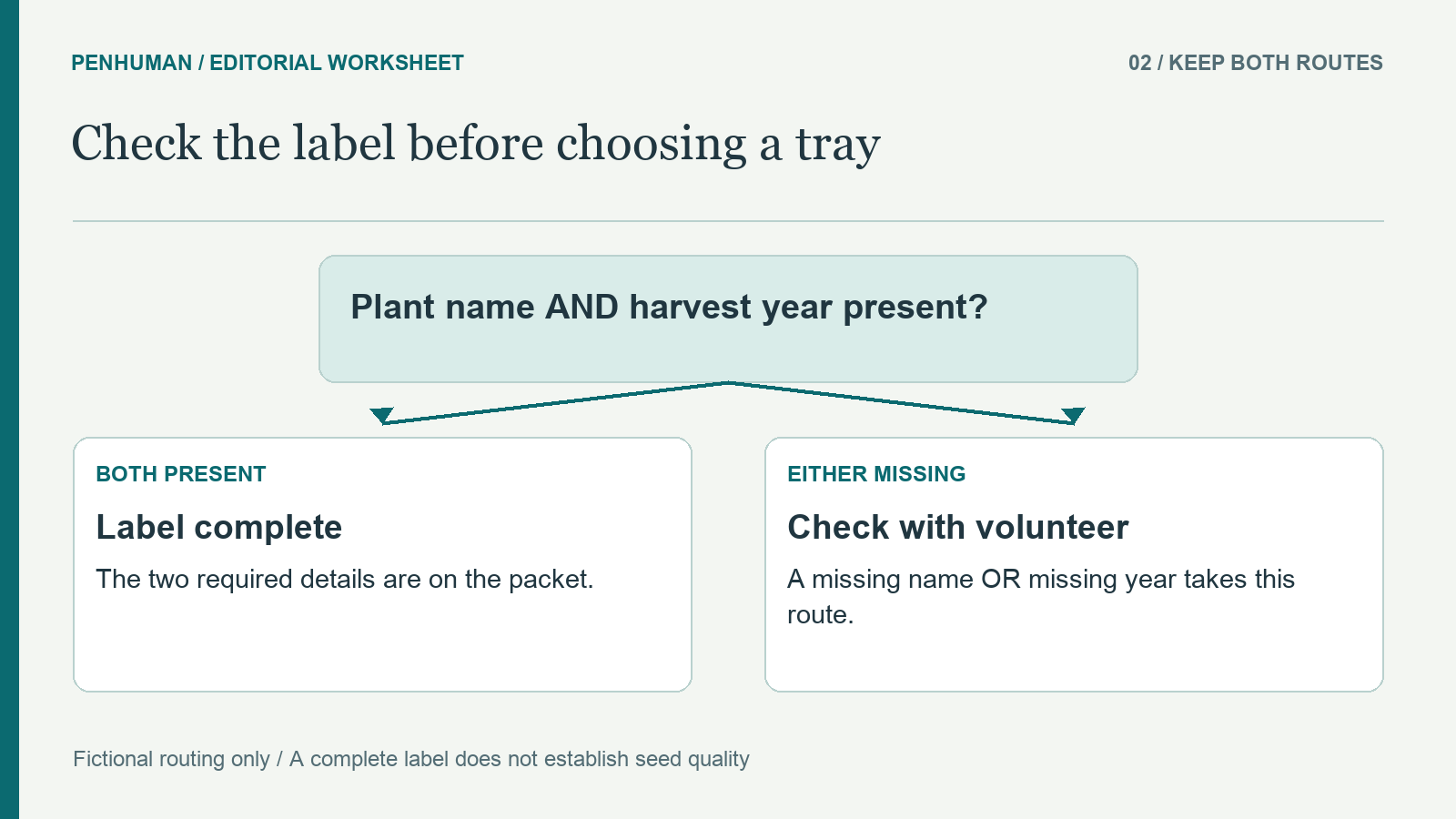
Our fictional sorting sketch routes packets to two trays: Label complete and Check with volunteer. The fictional rule is to look for a plant name and harvest year on each seed packet. If both are present, place the packet in Label complete. If either is missing, place it in Check with volunteer. Those names and conditions establish this teaching exercise. They do not establish that any seeds are viable, safe to distribute or suitable for planting. No quality inspection, expiry date or staff response time appears in the source record.
Write the branches as ordinary text alongside the diagram before compressing them into a short alternative. In the worked example, the complete text is: "Check the packet for a plant name and harvest year. If both are present, use Label complete. If either is missing, use Check with volunteer." This gives every reader the same explicit routing information. Keep the wording connected to the invented source rather than adding a plausible inspection step. The labels identify destinations within the exercise; they are not buttons, links or features in PenHuman.
Replace an object list with the relationship that matters
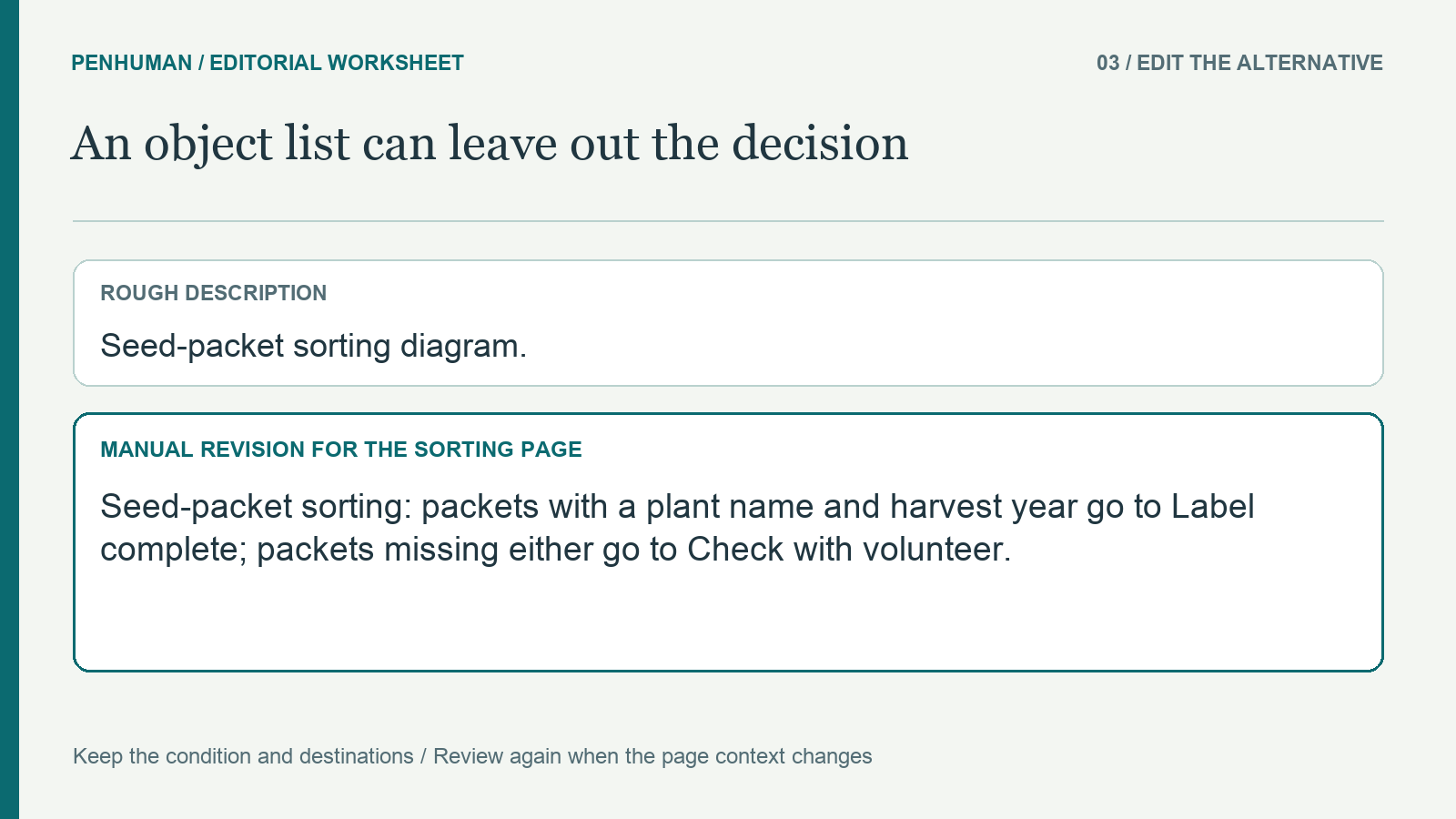
A rough description might say, "Seed-packet sorting diagram." That identifies the topic but leaves the reader to guess why the trays differ. A more useful candidate for this sorting page is: "Seed-packet sorting: packets with a plant name and harvest year go to Label complete; packets missing either go to Check with volunteer." This manual revision carries the distinction that the page asks the reader to use. It does not promise that a complete label proves quality, and it does not turn a volunteer check into automatic approval.
Check the candidate against each branch, not just the picture’s general topic. Both required label details must remain together. Replacing the condition with "if the packet has a name or year" would send incomplete labels down the wrong route. Similarly, "unlabeled packets" could hide the case where one detail is present and the other is missing. Read the candidate together with the source record and trace a packet with both details, then a packet with only one. These are constructed checks of the wording, not observations from a user study.
Give the caption and longer description different jobs
A visible caption can introduce the context: "Fictional sorting example: check the label before choosing a tray." It explains to readers what the figure is for, but it does not contain the two complete routes. In that version of the page, copying the caption into the alternative would still omit the condition. W3C’s complex-image guidance describes using a short identification together with a fuller text representation when a graphic contains more information than a brief alternative can carry. The nearby source record in this exercise gives the branch-by-branch detail.
Avoid repeating the whole explanation in several places by habit. When all of an image’s relevant information is already present as nearby text, the right alternative depends on the image’s role and implementation. W3C’s decision tree includes redundant and decorative cases where an empty alt attribute is appropriate. That is a reason to inspect the complete page, not a rule that every caption makes an image decorative. If a short alternative points readers to a longer description, name a real nearby heading or destination and check that the referenced explanation is actually present.
Reconsider the same image when its page context changes
Consider reusing the routing diagram on a page about preparing signs rather than sorting packets. That page asks whether the two destination labels are visible side by side. A candidate could identify "Two adjacent destinations labeled Label complete and Check with volunteer." The sorting rule may belong elsewhere because it is no longer the picture’s main contribution to that page. This is why a description copied from an asset library needs a fresh review at placement time. Reuse the drawing if it helps, but reassess what the reader would miss in its new setting.
A different role can call for a different kind of text entirely. If an image is the only content of a link, W3C’s decision tree directs attention to its destination or action. If a decorative flourish contributes no information, a web image may need an empty alt attribute rather than a descriptive sentence. These are distinct cases from our informative sorting diagram. Do not use an empty value merely because writing a useful description is difficult, and do not omit the attribute as a substitute for deliberately setting it empty. Ask the publishing tool’s documentation how that choice is represented.
Check the text alternative in the published context
Maintain a compact review record with the image file, page purpose, source facts, nearby caption, candidate alternative and any longer description. For our sorting figure, the reviewer should confirm both tray names, both label requirements and the missing-either condition. Then check where the publishing tool stores the alternative and how the exported page exposes it. A caption field, image title and filename are not interchangeable evidence that the intended text alternative was saved. Test the actual output rather than assuming that a successful image upload completed the accessibility work.
Check the reading order and the reference to the longer explanation as well as the wording itself. Someone using the page should not need to infer which of several diagrams an unlabeled paragraph describes. A screen-reader check can help examine what a particular implementation exposes, but a single check is not a complete accessibility audit. This article reports no such audit or participant test. When the source or figure changes, check its alternative again. Renaming a tray in the diagram while retaining an older label in the text creates a new inconsistency.
Use editing tools without padding a short alternative
The Word Counter can help check a destination’s documented space limit, but a lower total does not prove a description is useful. This guide sets no universal maximum for alt text. Retain enough information for the image’s purpose, and move substantial explanation into a suitable longer description when needed. The glossary guide can support a separate check that exact labels remain consistent across the page. In our fictional example, changing Label complete to Ready for planting would add an assurance absent from the source, even if the replacement sounds smoother.
If you use the AI Humanizer to revise an eligible longer explanation, compare the candidate with the image and source record before using it. Basic accepts drafts of 80–600 words within the available allowance, with 3,900 included Humanizer characters and no scheduled reset. The short alternatives in this worksheet are intended for manual editing; do not pad them to reach a minimum. A polished rewrite still needs a factual and contextual review. This method does not claim that PenHuman inspects an image, writes verified alternatives automatically or certifies the accessibility of a published page.
Frequently Asked Questions
Can I reuse a caption as the image alternative?
Sometimes the same wording may convey the needed meaning, but review the complete page before copying it. A caption might name a source or explain why the figure appears without conveying the information the image contributes. In the sorting exercise, the caption introduces a label check but omits the two routes. Conversely, nearby text may already provide all the relevant information. Check the image’s role, the existing explanation and the implementation together, rather than assuming that the presence or absence of a caption settles the decision.
Should the alternative mention every color and object?
Retain a visual detail when it contributes to the meaning needed in that context. The sorting example uses destination names and a label condition; describing decorative colors would not explain the routes. A different task might depend on a visual property, so do not turn that example into a ban on color descriptions. Begin with the source and the reader’s task, then ask what information disappears if the image cannot be perceived. Preserve that information without adding assumptions about quality, identity, intent or an outcome the picture cannot establish.
What if the image needs more explanation than a short alternative?
Provide a fuller text explanation in an appropriate place and make its relationship to the figure clear. In this worksheet, ordinary text states the label requirements and both routing branches. A larger diagram may need several structured steps or a table rather than one crowded sentence. The short alternative can identify the image and, when useful, indicate where to find that explanation. Check the actual page after publication, so the promised description and any link are available. This editorial approach is not a claim that a particular page has passed a complete accessibility review.