Write Link Text That Makes the Destination Clear
Start link text with the reader’s next task
Useful link text gives readers enough information about the destination to choose whether to follow it. A label can sound inviting yet hide the difference between reading a guide, opening an application form and sending a request. This worksheet uses an original fictional community workshop website to make that distinction visible. Its examples are manual editorial exercises, not screenshots, customer results or raw PenHuman output. Before rewriting a label, record what the destination page actually contains and what the reader expects to do there. Then compare the wording with that limited promise.
W3C’s explanation of Link Purpose (In Context) says the purpose can be clear from the link itself or from the link together with its programmatically determined context, subject to the criterion’s exception. It does not require every link to make sense in complete isolation. Descriptive wording is still a helpful editorial starting point. This article reviews visible wording and destination evidence; it does not certify accessible implementation. The underlying markup, interaction and surrounding context need suitable checks on the actual page, especially when a short label relies on nearby text.
Make a destination record before changing the label
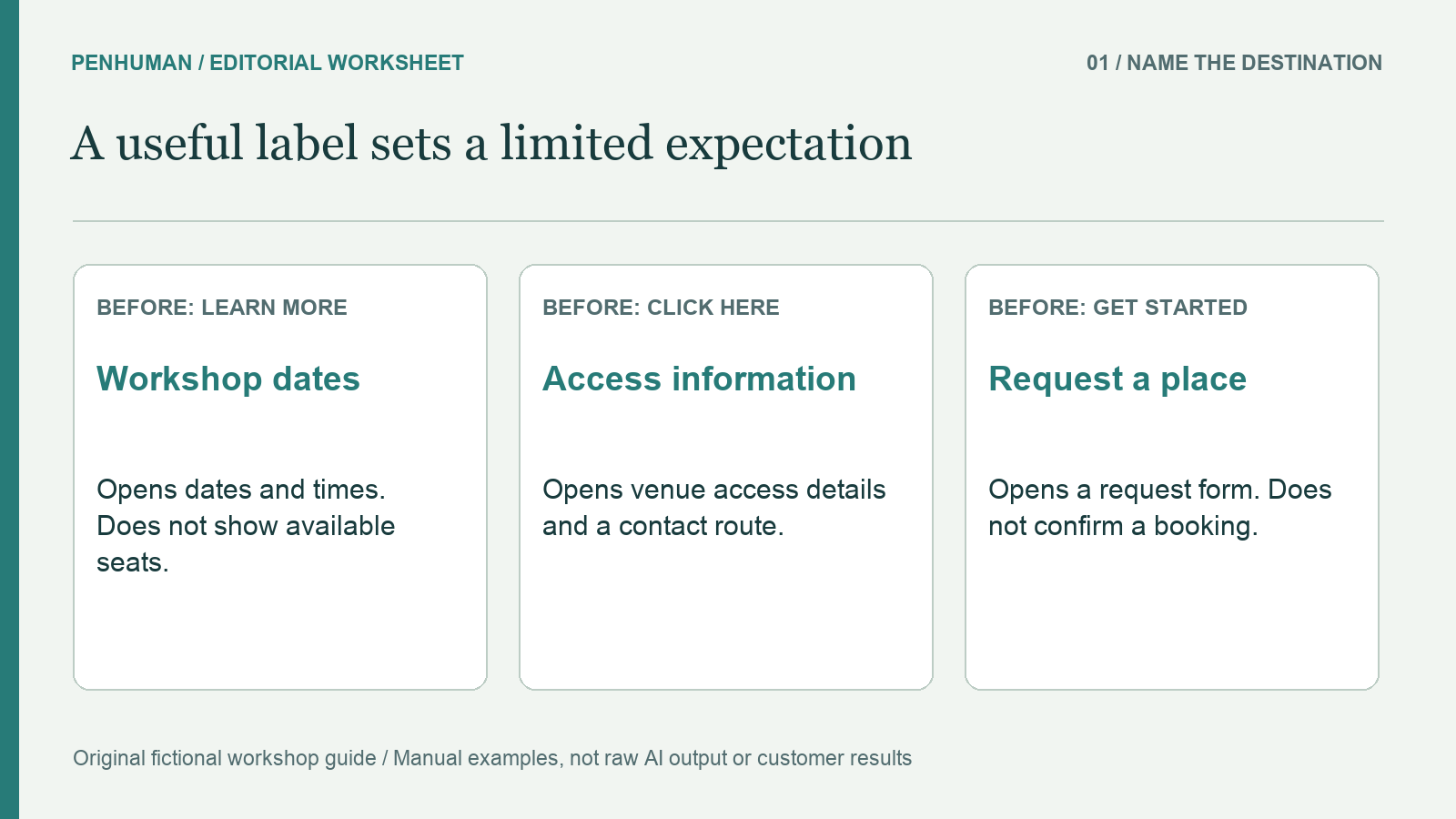
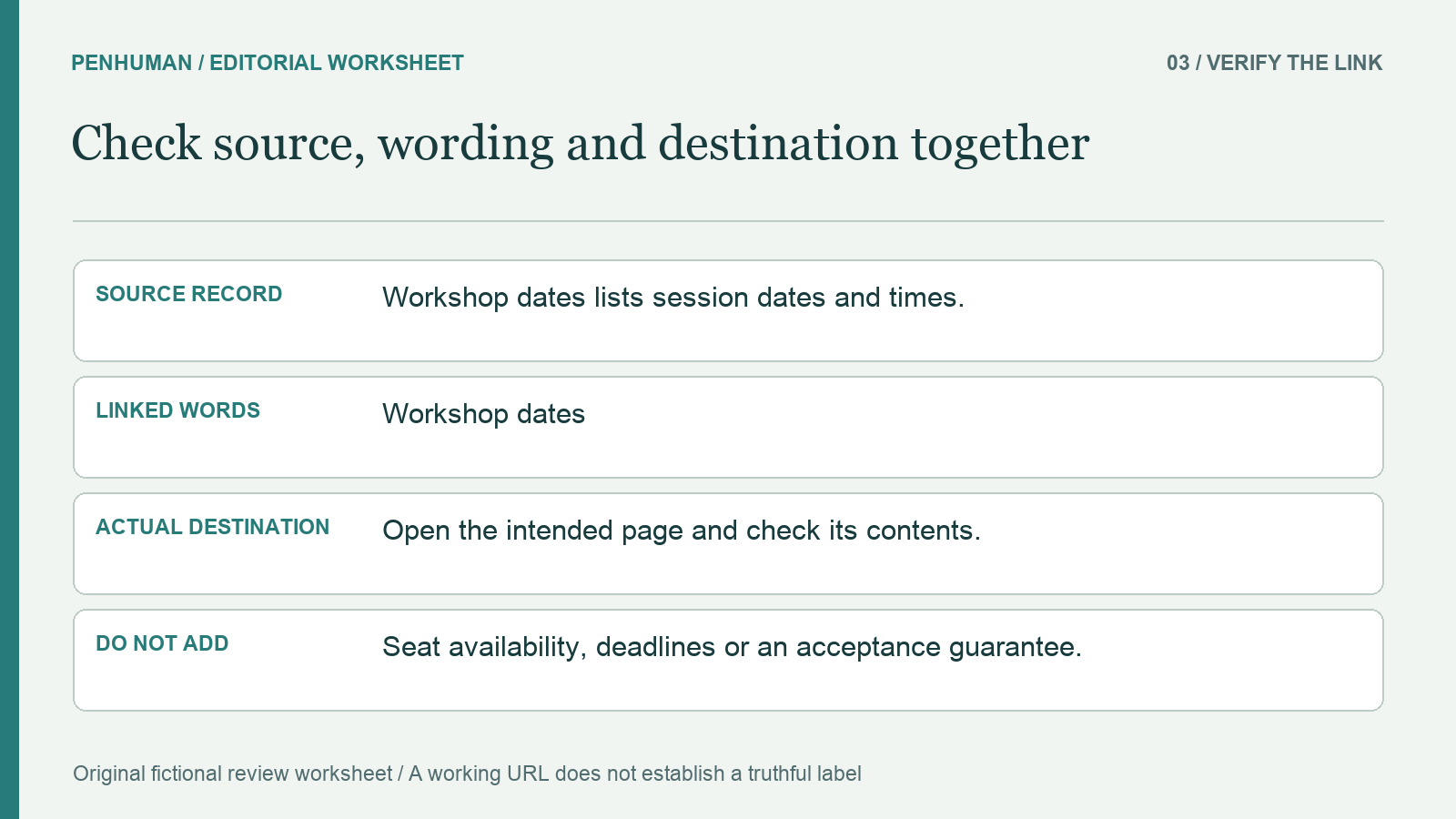
Our fictional guide has three destinations. Workshop dates lists session dates and times but provides no booking form. Access information describes the venue’s step-free entrance and provides a contact route for specific questions. Request a place opens a form that asks for a preferred session; following that link does not submit the form or confirm a place. These fictional facts define the exercise. The source record establishes no available-seat count, acceptance deadline, confirmation time or guarantee that a particular request will be accepted.
Record one row for each destination: page title, contents, action available after arrival and facts that remain unknown. Keep the actual address beside the row in a real review. A label cannot be checked by reading its words alone, and a successful page load does not prove that its contents match the promise. Our fictional addresses are not live links in this article. A reviewer working on a real site should open the intended destination, check its current behavior and record who can resolve any unanswered question before stronger wording is approved.
Replace vague invitations with a specific destination
An initial version of the workshop guide uses "Learn more" for the dates link, "Click here" for venue information and "Get started" for the request form. The labels offer little help when a reader scans only those choices. Manual replacements are "Workshop dates", "Access information" and "Request a place". Each maps to a different source row. The final label still needs its surrounding sentence: for example, "Check Workshop dates before choosing a preferred session." Keep the chosen destination phrase linked, rather than linking an unrelated introductory word.
Do not replace every vague label with a long sentence. Begin with the specific subject or task, then add only information needed to distinguish the destination. In our example, "Workshop dates and times" would also fit the source, while "Available workshop places" would add evidence that the source does not provide. Shorter and longer options can both be accurate. The editorial question is whether the person can predict the intended next page without receiving a new promise about capacity, eligibility or an outcome that has not been established.
Preserve the difference between a form and an outcome
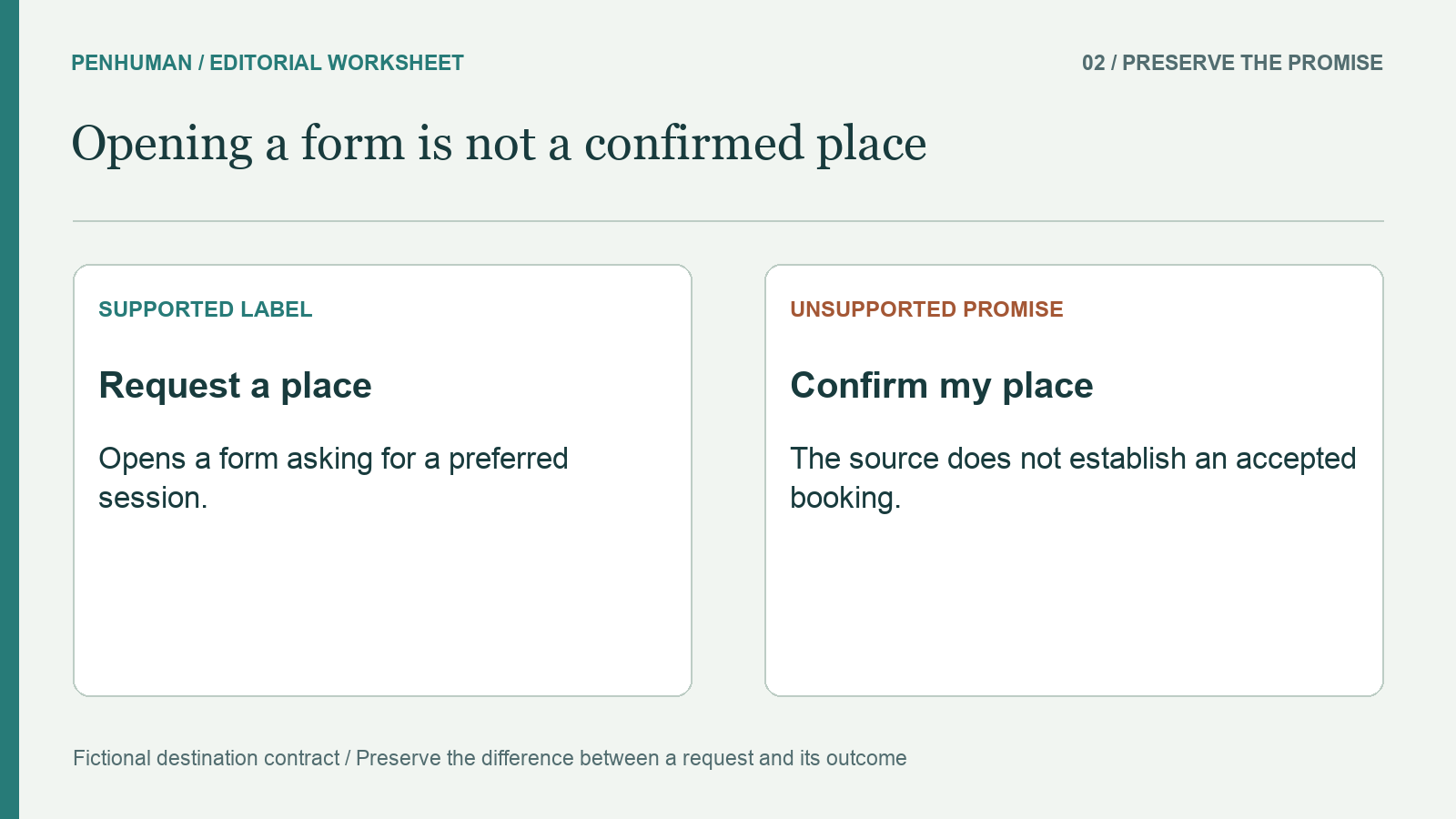
The label "Confirm my place" sounds definite, but it does not fit the fictional Request a place destination. The link opens a request form and establishes no accepted booking. Changing the wording to make it more persuasive would collapse several stages into a result. Keep "Request a place" while the surrounding explanation states that the form asks for a preferred session. If a real product has separate review or confirmation steps, verify them before describing those steps. An editor should not invent a process simply because similar services use one.
Check verbs carefully when comparing a rewritten paragraph with its source. Read, view, request and confirm imply different tasks even when the surrounding prose sounds similar. Our example supports checking dates, reading access information and opening a request form. It does not support reserving a seat immediately, paying for attendance or receiving an automatic confirmation email. Those additions may sound ordinary, but they change what the reader is being asked to trust. Keep unsupported alternatives visible in a review note so that a later revision does not quietly reintroduce them.
Keep context, repeated labels and page titles aligned
A short label may rely on its enclosing sentence, list item or other suitable context. W3C’s guidance explains that the context must be programmatically associated; visually placing a heading somewhere nearby is not enough to assume that relationship. For this worksheet, read the full sentence and inspect the actual linked phrase together. If the label still sends the reader toward the wrong task, revise it. When the text depends on a technical association that you have not checked, record the unresolved implementation question instead of declaring the link accessible from a screenshot.
Compare repeated links across the guide in a separate editorial pass. If two links lead to the same Workshop dates page, consistent wording can help maintain consistent vocabulary. If another destination explains how to change a submitted request, giving it the same Workshop dates label would obscure a different task. Our fictional site does not define that extra destination, so it remains only a contrast for review. Use the existing glossary worksheet to record agreed names, and check that a linked page’s heading still supports the label after a content update.
Describe special behavior only when it is real
GOV.UK’s Links guidance recommends making an external destination’s organization clear where relevant. It also recommends avoiding a new tab and, when one is necessary, telling the reader that it opens in a new tab. These are attributed design-system recommendations, not proof that any particular site has implemented them. An editor should verify the actual destination and opening behavior before adding such wording. Do not announce a new tab because the destination is external, or call a page a download merely because the information might also exist in a file.
In the fictional workshop guide, the source defines ordinary pages and a form. It does not define a PDF, a new tab, an account requirement or a payment step. Omit those details from the labels until they are verified. For a real document link, confirm the file’s current title and format before describing it; for a sign-in requirement, verify when it appears. A helpful warning is still a factual claim. Retain the evidence and review date so that a changed file or destination does not leave an outdated description on the referring page.
Review the complete passage before publishing
Use a focused final pass: read the source row, inspect the label in its sentence, open the destination and compare the resulting page with the promised task. The Word Counter can help compare lengths when the interface has a documented space limit, but it cannot inspect the destination for you. The numbers, negations and conditions worksheet provides a related method for checking rewritten prose against a source. Keep the original and candidate together, and correct any change from a request to a guarantee before considering the wording ready.
If an eligible longer explanation needs rephrasing, the AI Humanizer can provide a draft for manual comparison. Basic accepts complete drafts of 80–600 words within the available allowance, with 3,900 included Humanizer characters and no scheduled reset. The short link labels here are manual exercises; do not pad them to meet a minimum. This workflow does not claim that PenHuman visits links, checks destinations or verifies accessibility. Reopen the published page because an accurate draft, a stored URL and a working public link are separate things to check.
Frequently Asked Questions
Does every link need to make sense on its own?
The Link Purpose (In Context) criterion allows the purpose to come from the link plus programmatically determined context, subject to its exception. Meaningful standalone wording can still simplify an editorial review. Do not confuse that preference with a claim that every short contextual link automatically fails. Review the relevant sentence and implementation, then choose wording that explains the task without relying on information the reader cannot associate with it. A screenshot or prose review alone does not establish whether the technical relationship is present.
Should I replace every Learn more label with the page title?
Use the destination’s actual purpose as the starting point for the label. A page title can be a good fit, but a clearer task description may also be accurate. In the fictional workshop guide, Workshop dates tells the reader more than Learn more without suggesting that seats are available. Check whether the title still matches the current page and whether surrounding wording adds an unsupported promise. The goal of this worksheet is an accurate expectation, not mechanically replacing every label with a title regardless of context.
How can I check an AI rewrite that contains links?
Keep a source row for each destination and check the rewritten sentence against it. Check the linked words, actual address, surrounding explanation and any claim about what happens after arrival. In our fictional example, restore Request a place if a candidate changes it to a confirmed booking. Remove invented availability, payment or email details, then visit the intended destination yourself. Preserve the original, candidate and editorial repairs as separate records. Fluent wording does not prove that a destination or its behavior has been checked.